
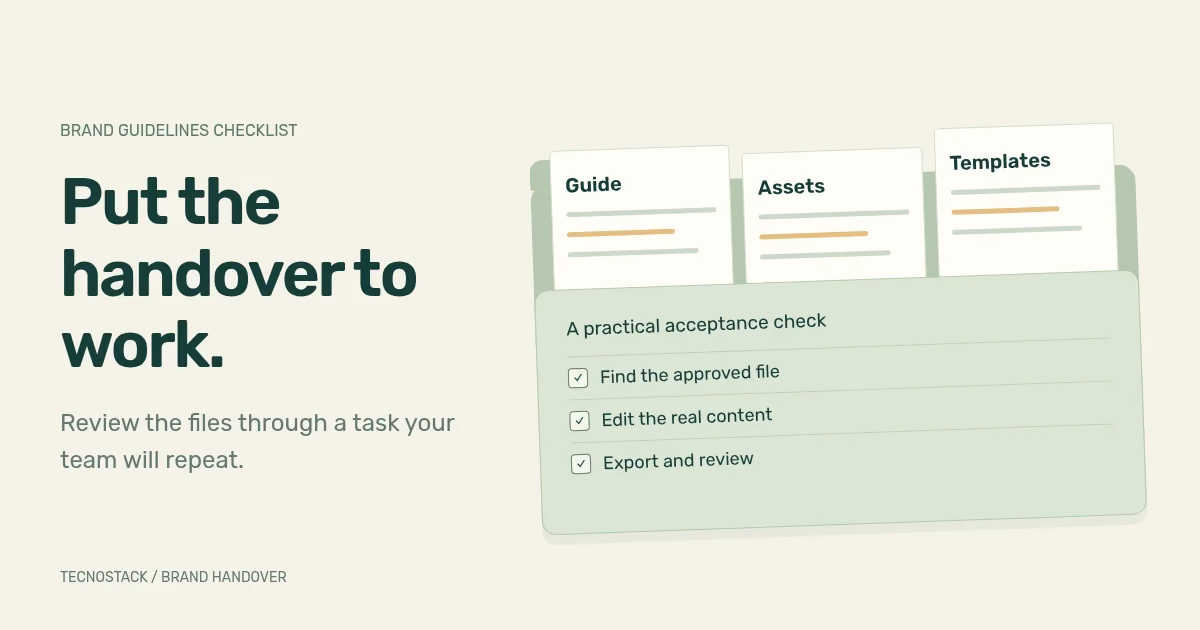
Useful brand guidelines let a colleague produce an agreed application with the approved files and explain the choices they made. Before accepting the handover, check the rules, assets, templates and ownership together. A finished presentation can look complete while leaving the receiving team unsure which logo to download or how to replace a long Arabic heading.
Use the checklist below against the agreed scope. It is a TecnoStack review aid, not a claim that every project needs every possible brand application. The test is whether your team can carry out the work you commissioned.
List the recurring tasks your team expects to handle: a sales proposal, a service announcement, a website content update or a supplier print brief. Identify the person doing each job and the software they use. This tells you which instructions and files deserve detailed review.
Separate four deliverables in the proposal: the guide, approved assets, editable templates and finished application examples. A social-post image demonstrates a visual treatment. An editable social-post template supports future production. Name both if both are needed.
Review the language decisions before checking exports. If the approved name, tagline or language priority is still unresolved, use the Arabic and English identity brief to settle those questions. The handover should document approved choices rather than hide open decisions in sample artwork.
Ask the designer to walk through an application using the delivered folder. Match each instruction to an asset or template that the receiving team can access.
| Part of the handover | Acceptance check |
|---|---|
| Logo arrangements | Locate the approved language variants, background versions and small-size options required by the scope |
| Logo use | Apply the stated clear space and minimum size, and recognise examples that require another arrangement |
| Typography | Identify the exact families, weights and approved substitutes; open a real document without an unexplained substitution |
| Colour | Find the colour values for the agreed media and the approved foreground/background combinations |
| Image and illustration guidance | Choose an image that matches the stated treatment and identify any required crop or credit |
| Layout and language | Create the agreed Arabic, English or paired layout with real-length text |
| Templates and exports | Edit the required content, preserve the fixed elements and export a usable result |
| Version and responsibility | Identify the current release, the authoritative asset location and the person who approves changes |
Published systems can illustrate the difference between a visual rule and a usable resource. IBM's design resources link to typeface files, colour palettes, grid guidance and logo-use resources. Its colour guidance also distinguishes digital values from print specifications. Treat these as examples of documented decisions for that organisation. IBM resources, IBM colour specifications
A palette needs examples of use. Ask which colours can carry paragraph text, which work behind a heading, and which are reserved for decoration. If the identity enters a product, show how it coexists with status messages and interactive states.
For digital text, W3C's contrast guidance specifies thresholds and exceptions. The logo-text exception does not extend to ordinary page text simply because it follows corporate colours. Test the actual text/background pairs used in the templates and website, including those placed over images. W3C's contrast guidance
Check Arabic and English applications separately. Include a long heading, punctuation and a mixed-language reference. Ask the receiving team to explain which elements follow reading direction. For a website or product, use the RTL UX checklist alongside the visual guide; a brand document alone does not specify every interaction or error state.
Agree the formats with the people who will receive them. The requirement is to open, use and maintain the asset in the intended workflow. A large list of extensions does not prove that the right file is available.
- Editable source files: identify the software, account access and supporting assets needed to continue the design work.
- Approved exports: label the intended application, language and background so a colleague can choose the right file.
- Reusable templates: state what the user may change, what should remain fixed and how to export the result.
- Supporting assets: record the source and applicable terms for fonts, photographs, icons or other third-party material.
Confirm that the folder's recipient has the access needed to use it. A link that opens only in the designer's account is an unresolved handover item. Where an asset needs a separate purchase or permission, record who is responsible and which agreed use it covers.
Use a real task from the scope. The following is an invented test for a company that commissioned an editable bilingual service-announcement template. Adapt it to your own deliverable.
Ask a colleague to create one Arabic announcement and its English equivalent, using a longer service name than the example. They should find the approved logo, change the title and date, choose an allowed image treatment, and export both versions. Give them the guide and folder. Record where they need an explanation that the handover does not provide.
The aim is to find missing instructions before the team relies on the files. A colleague who chooses the wrong logo may need a clearer file label. A headline that leaves its container may need another approved layout or a documented content limit. Keep the finding specific.
| Observation from the hypothetical task | Action before acceptance |
|---|---|
| Two folders both claim to contain the final logo | Identify the current folder and archive the superseded release |
| The Arabic heading exceeds the template's available space | Agree the longer-text treatment and test it with approved copy |
| A font changes when the file opens on the recipient's device | Resolve the required font access or document and test the approved substitute |
| The exported file includes an old campaign date | Correct the template and show which fields must be updated |
| The guide shows an image treatment with no editable example | Supply the agreed template or clarify that production remains a separate task |
Record the corrected file and repeat the affected task. A discussion that explains the answer is useful, but the answer should also reach the guide or template so the next colleague can find it.
Choose one current asset location and a clear release identifier. Keep a short change note: what changed, why, which files it affects and who approved it. Archive older files where the team can identify their status without confusing them with the current release.
Also agree how new applications enter the system. A request for a webinar slide or a new product label may need a design decision that the first guide never covered. Name the approver and the route for requesting that work. Decide who reviews each language and how an approved change reaches existing templates.
Where a product has a separate component library, connect the brand rules to the relevant design-system owner. Our developer handover worksheet covers component states, implementation evidence and responsibilities that sit beyond a brand asset folder.
Mark each agreed item as accepted, needing correction or outside scope. Attach the file location and review evidence to the decision. This creates a useful handover record and separates corrections from requests for new production.
For a new identity or a review of an existing one, bring the recurring tasks and current files to a brand identity scope review. If your team needs continuing posts and campaign assets from the approved system, compare the creative-content service separately. The next person making a sales deck or announcement should know where to begin.


