
01
The same data typed again
Email, spreadsheets and business systems each require another manual entry.
AI / AI automations
Turn repeated handoffs into documented workflows, using AI where interpretation helps and clear rules where a predictable action is needed.
Scope, timeline and pricing agreed after reviewing your needs.
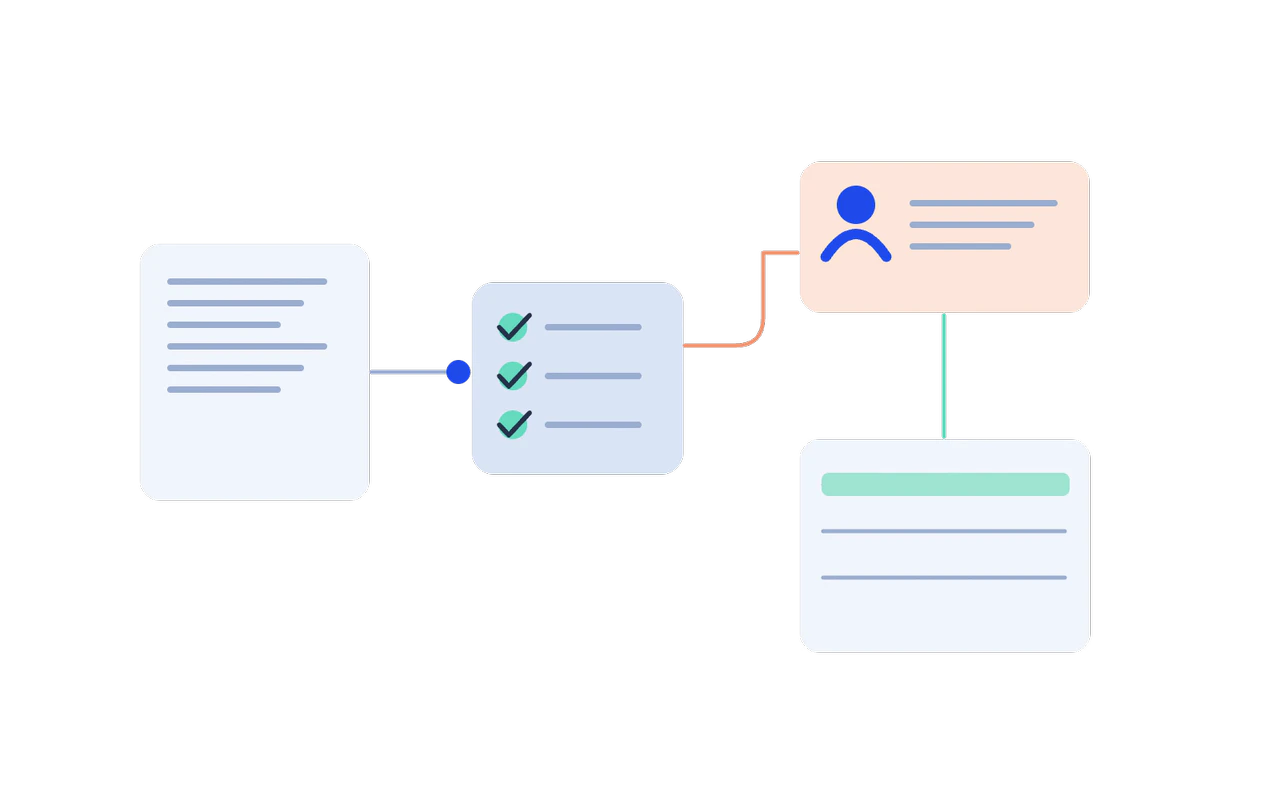
Illustrative concept, not a live system or measured result.
Who this is for
For repeated data entry, approvals that wait in inboxes and handoffs that fail on the first missing field.
Email, spreadsheets and business systems each require another manual entry.
A request waits without a clear owner, status or reminder.
A missing field or failed integration turns a routine task into manual recovery.
What you get
A real process map, a clear boundary between deterministic steps and AI interpretation, the connectors, safe retries and a named owner for every run.
Document triggers, handoffs, exceptions and who owns each decision.
Separate deterministic steps from interpretation and human approval.
Connect the agreed systems with validated data and visible task state.
Use interpretation or extraction where it adds value, with review paths for uncertain output.
Plan safe retries, duplicate detection and exception handling for connected actions.
Make failures visible and document who can review, retry or change a workflow.
How we work
Replay representative success and failure cases before any production change, so each handoff is checked rather than assumed.
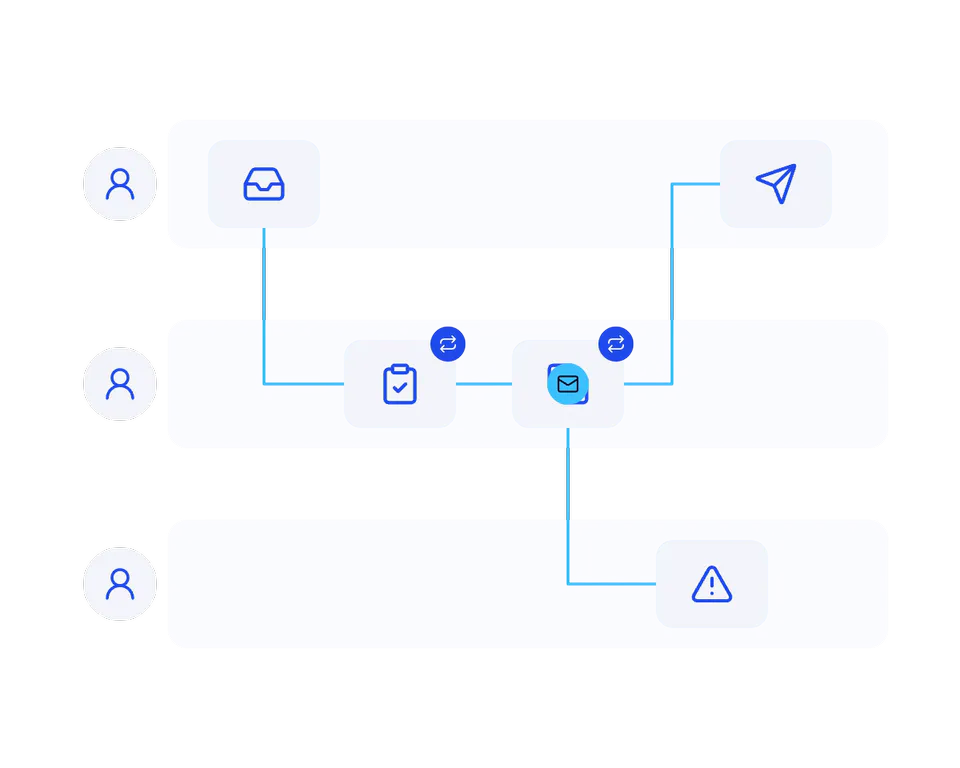
Follow a real request from start to finish and identify the repeated work and exceptions.
Understand before automating.
Agree data contracts, approval points and what the workflow should do when something fails.
A path for the unusual case.
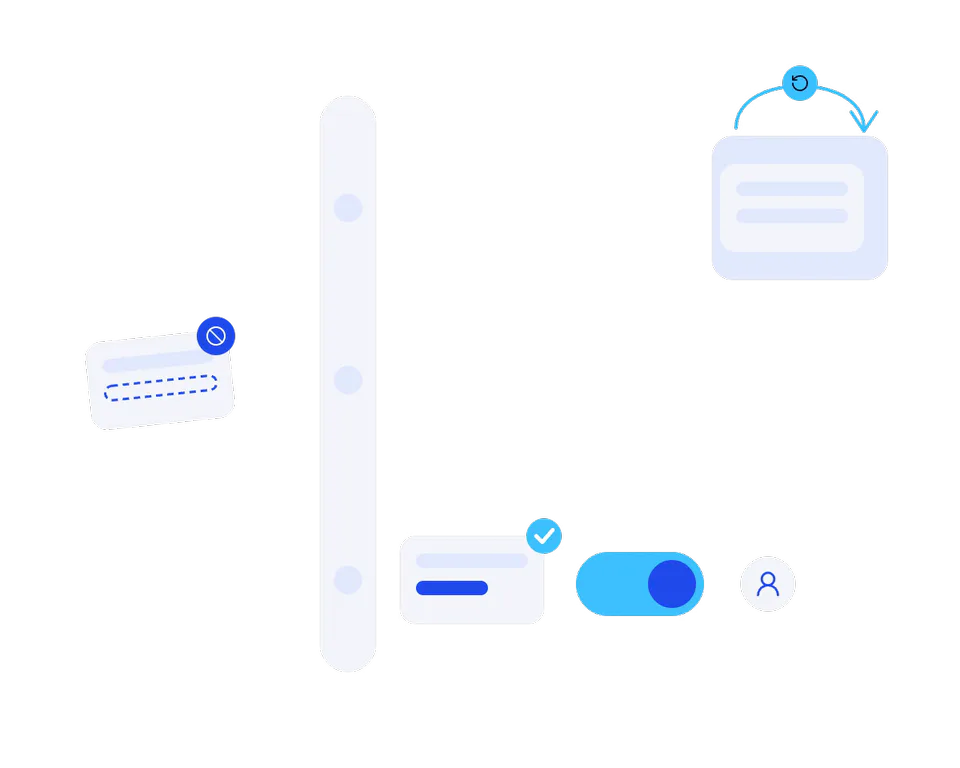
Connect the systems and test representative cases before allowing production changes.
Check every handoff.
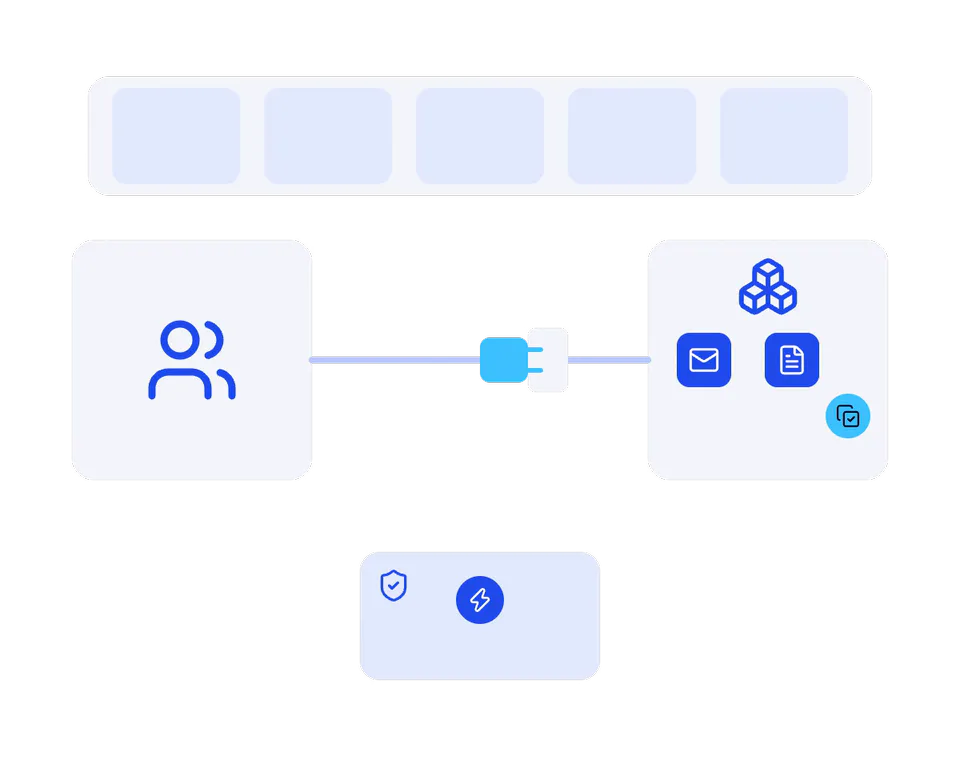
Introduce the workflow with an owner and review run history, exceptions and measured effort.
The workflow stays visible.
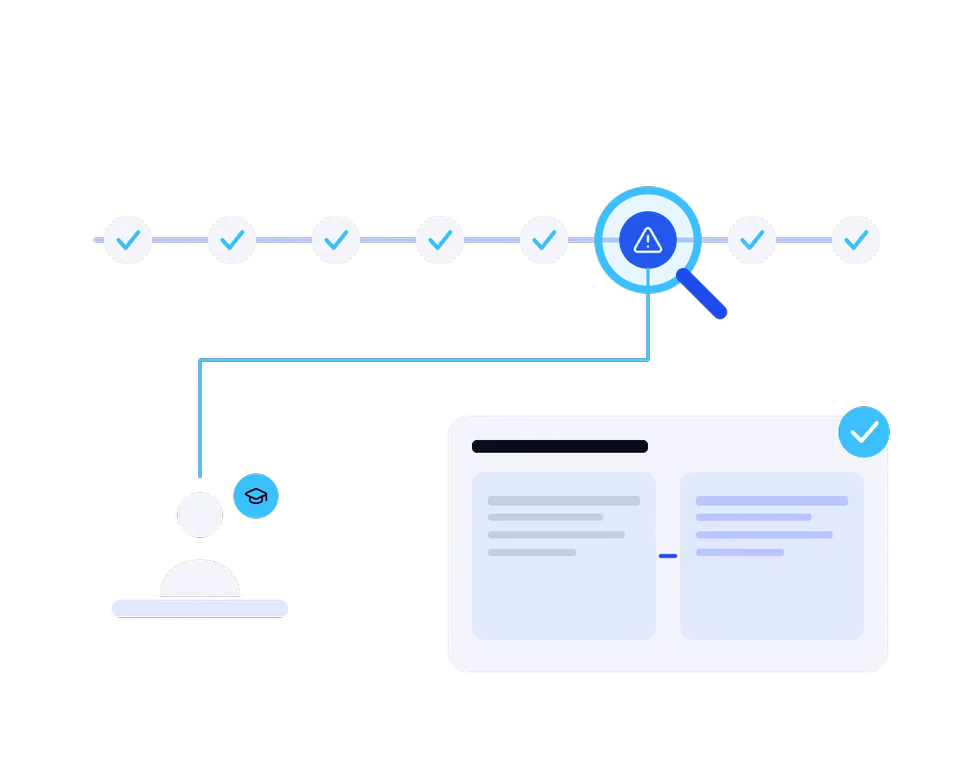
Explore the possibilities
Illustrative concepts from our demo portfolio. They show possible experiences, not commissioned client projects, platform-specific implementations or measured results.
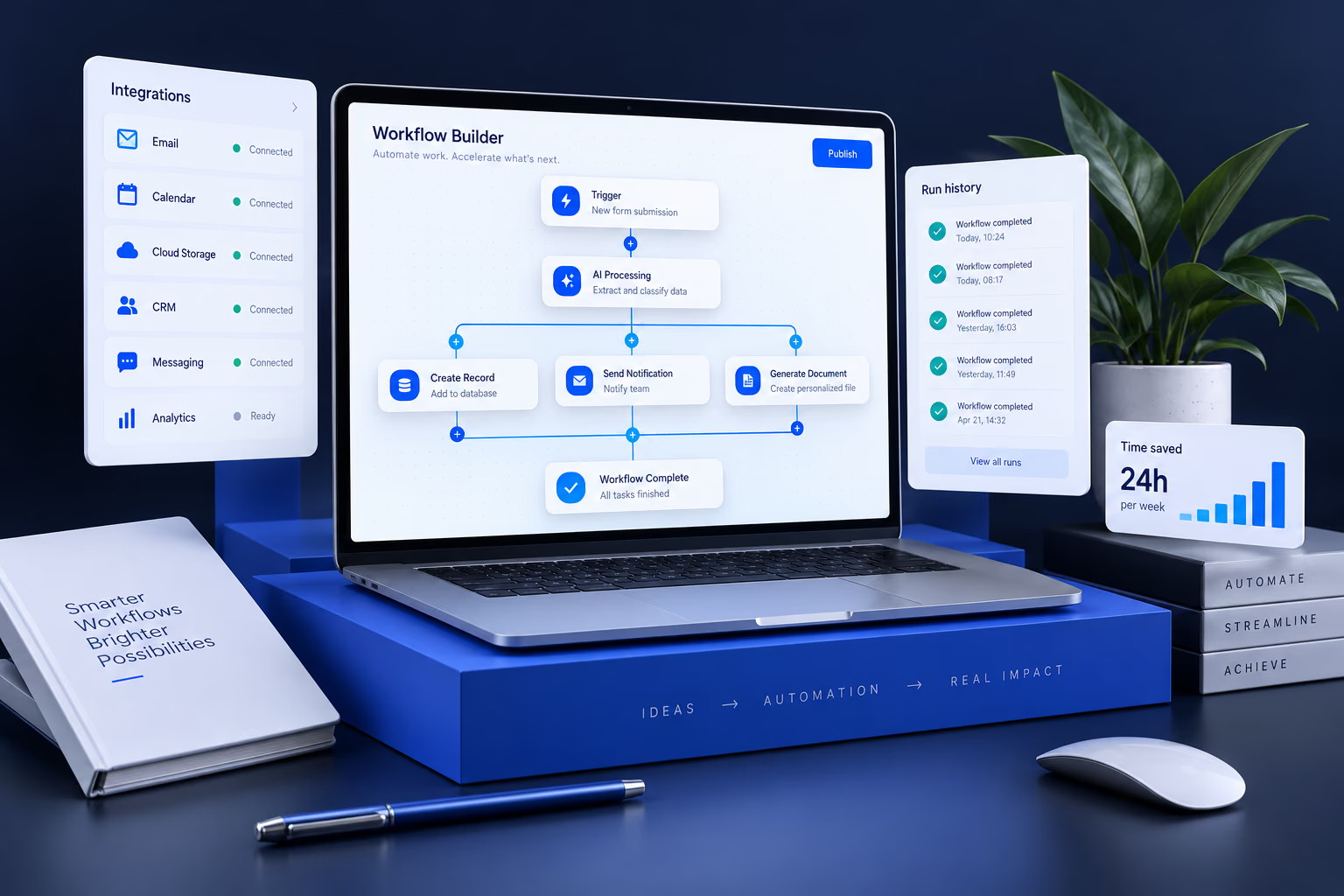
The automation-workspace concept shows connected steps, integrations and run history. Example savings shown in the artwork are illustrative.
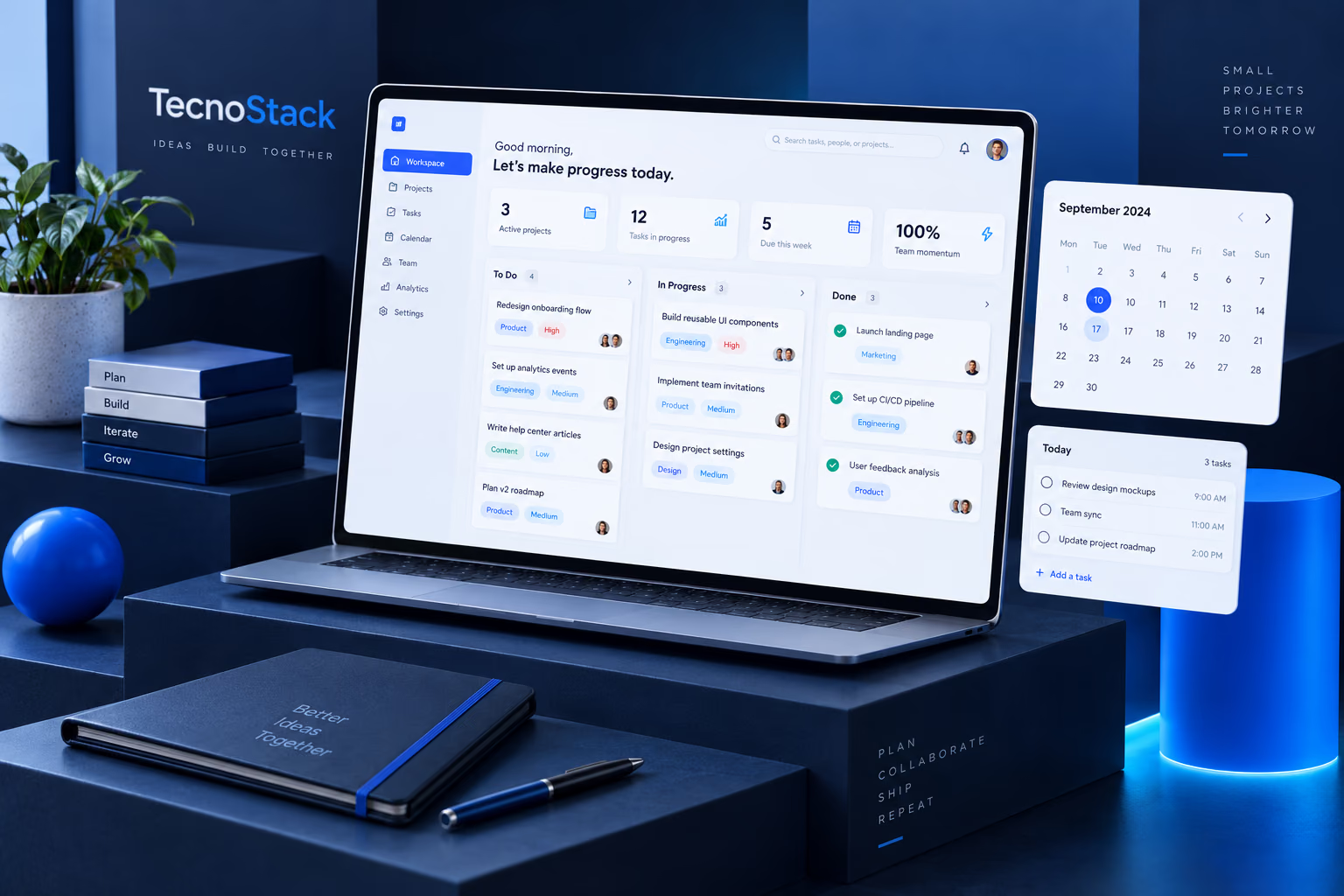
The workspace concept provides a setting for exploring task ownership, review queues and due dates alongside automated handoffs.
PLANS & INCLUDED BENEFITS
Compare the number of workflows, the steps allowed per workflow, total connectors and AI steps with review. The plans cover 1, 3 or 5 workflows with 5, 8 or 10 steps each; no generic productivity or percentage saving is promised.
Build one useful workflow between your existing tools.
4,000SAR
/ project · excl. VATOne-time project fee. Support beyond the included period is quoted separately.
Included in your plan
Included in the starting price. Scope and limits are listed below.
Automate a small set of related business processes.
8,000SAR
/ project · excl. VATOne-time project fee. Support beyond the included period is quoted separately.
Included in your plan
Included in the starting price. Scope and limits are listed below.
A coordinated group of workflows for one team.
15,000SAR
/ project · excl. VATOne-time project fee. Support beyond the included period is quoted separately.
Included in your plan
Included in the starting price. Scope and limits are listed below.
Starting prices in SAR, excluding VAT where applicable. Final scope and price are confirmed in your proposal. Model/API usage, hosting, software subscriptions and major data cleanup are separate. Scope assumes client-provided access to documented APIs and approved data. No foundation-model training or autonomous high-risk decisions. Handover is one 60-minute session; included defect fixes cover the delivered scope for 30 days.
Before we start