
01
Conversations without an owner
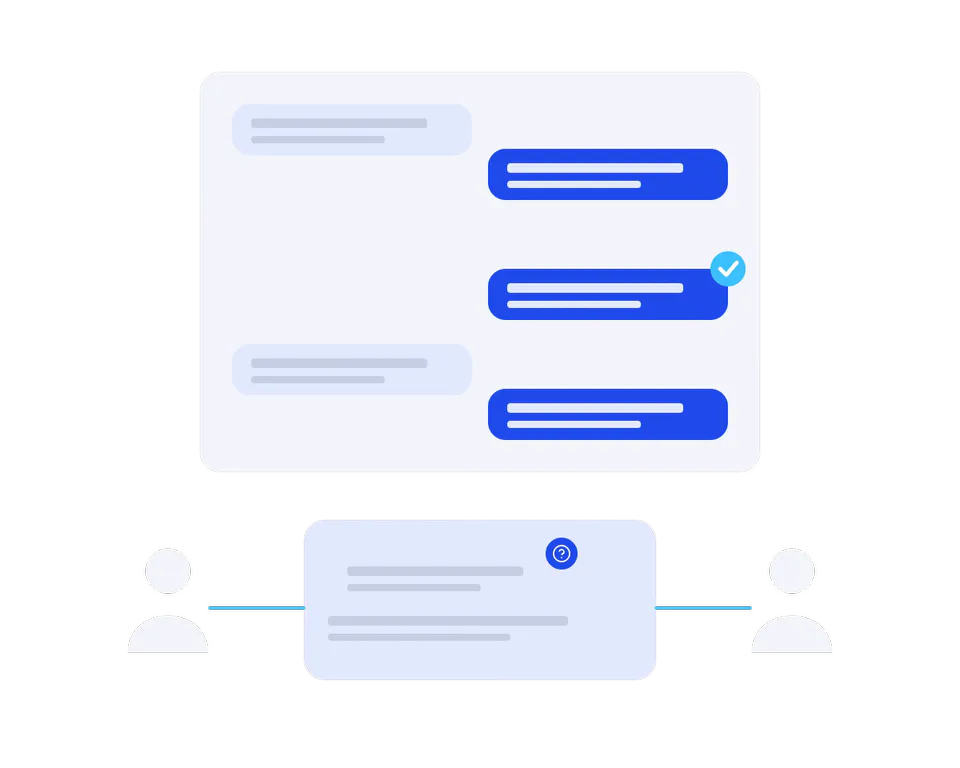
Messages are passed around without clear assignment or follow-up.
Grow / WhatsApp and messaging
Customer updates, guided replies and team handover connected to your business systems, with conversation languages agreed in scope.
Scope, timeline and pricing agreed after reviewing your needs.
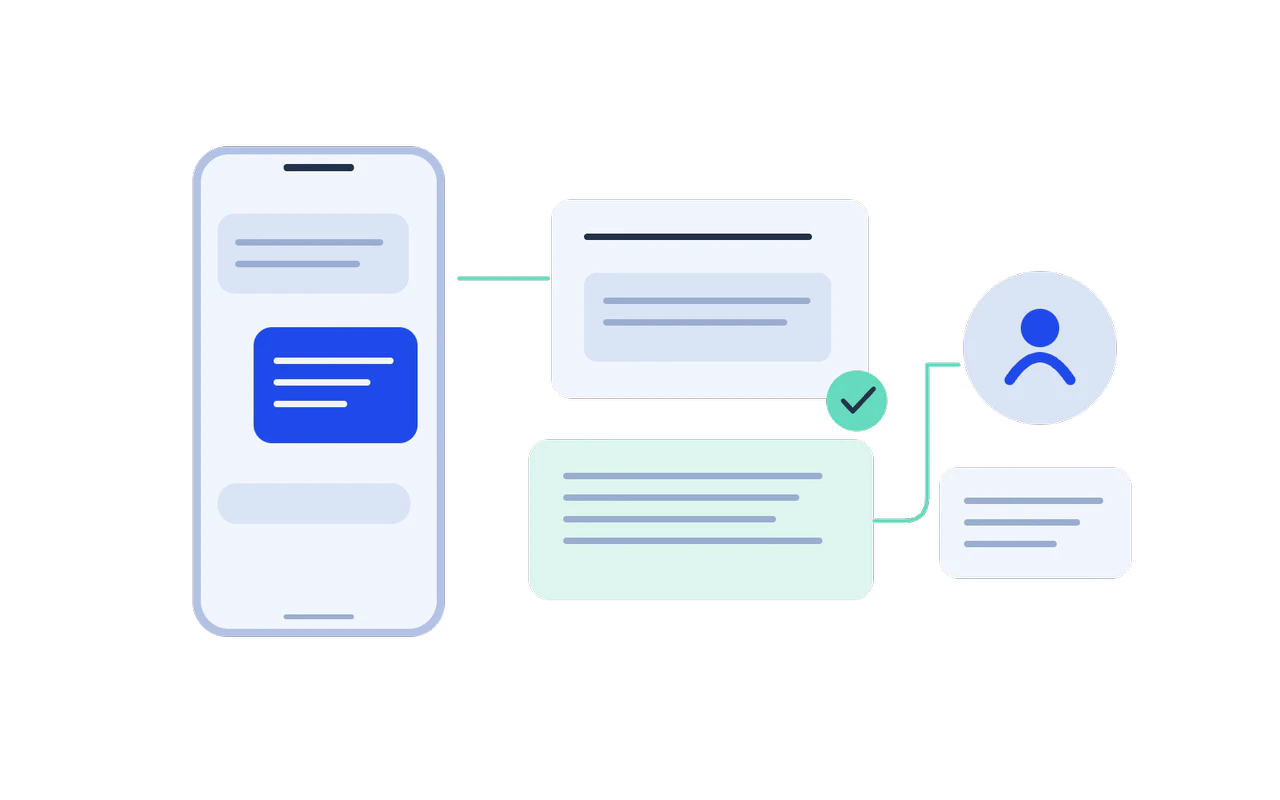
Illustrative concept, not a live system or measured result.
Who this is for
For teams answering the same requests every day, losing conversation context between systems or handing support between people without a clear owner.
Messages are passed around without clear assignment or follow-up.
Your team repeats order, appointment and service information manually.
Customer context is split between messages, spreadsheets and the CRM.
What you get
An account and access review, conversation flows with human handover and the supported integrations your replies depend on, agreed before anything goes live.
Identify common intents, required information and points that need a person.
Review the platform setup, number options and approvals required for the chosen route.
Connect the agreed updates and replies to the systems that hold the right information.
Write clear paths in the agreed languages, including unsupported questions and handover.
Define ownership, conversation notes and the context passed to your team.
Review failed intents, delivery issues and team feedback against agreed measures.
How we work
Map intents, account and provider constraints and the human escalation path before connecting production messages.
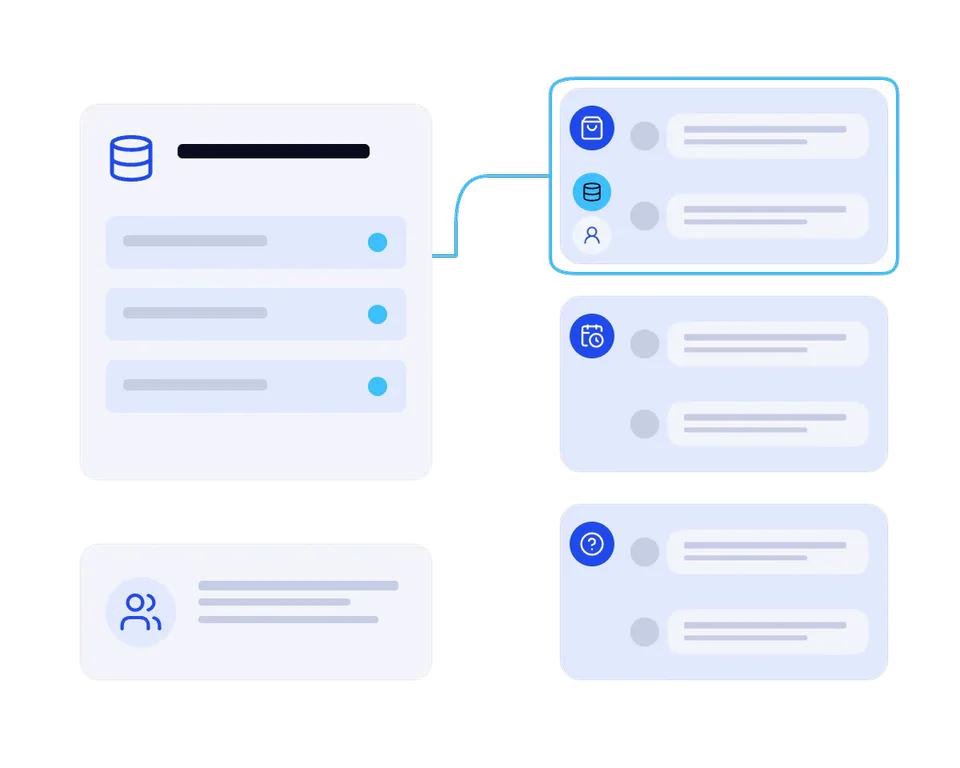
Review anonymised examples and select the conversations worth supporting first.
Start with real needs.
Write reply paths and define where automation stops and a person takes over.
No conversation left hanging.
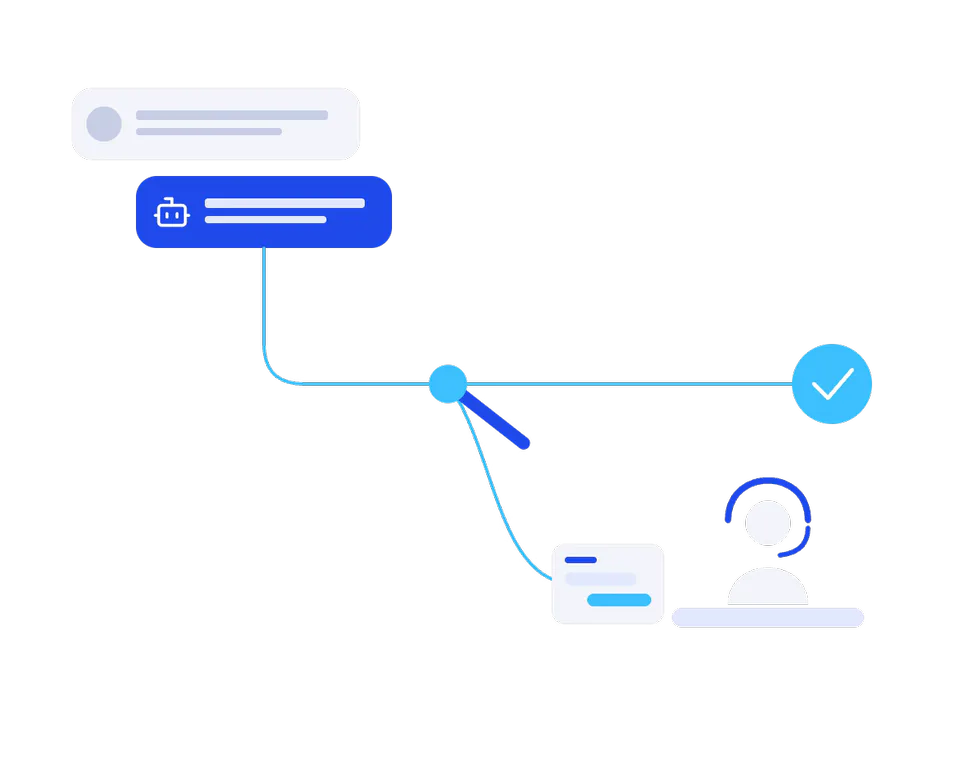
Configure the agreed platform and integrations, then test permissions and message paths.
A connected support journey.
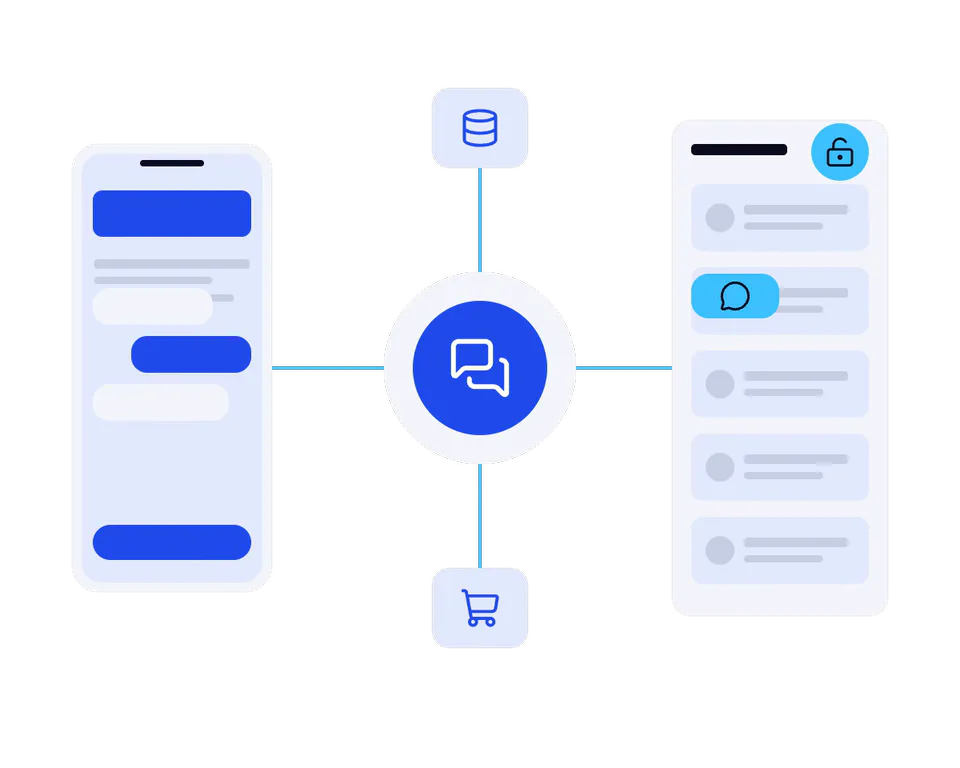
Introduce the workflow, review unresolved requests and improve the supported paths.
Feedback becomes better replies.
Explore the possibilities
Illustrative concepts from our demo portfolio. They show possible experiences, not commissioned client projects, platform-specific implementations or measured results.

The storefront concept illustrates the order journey that a messaging integration could support.
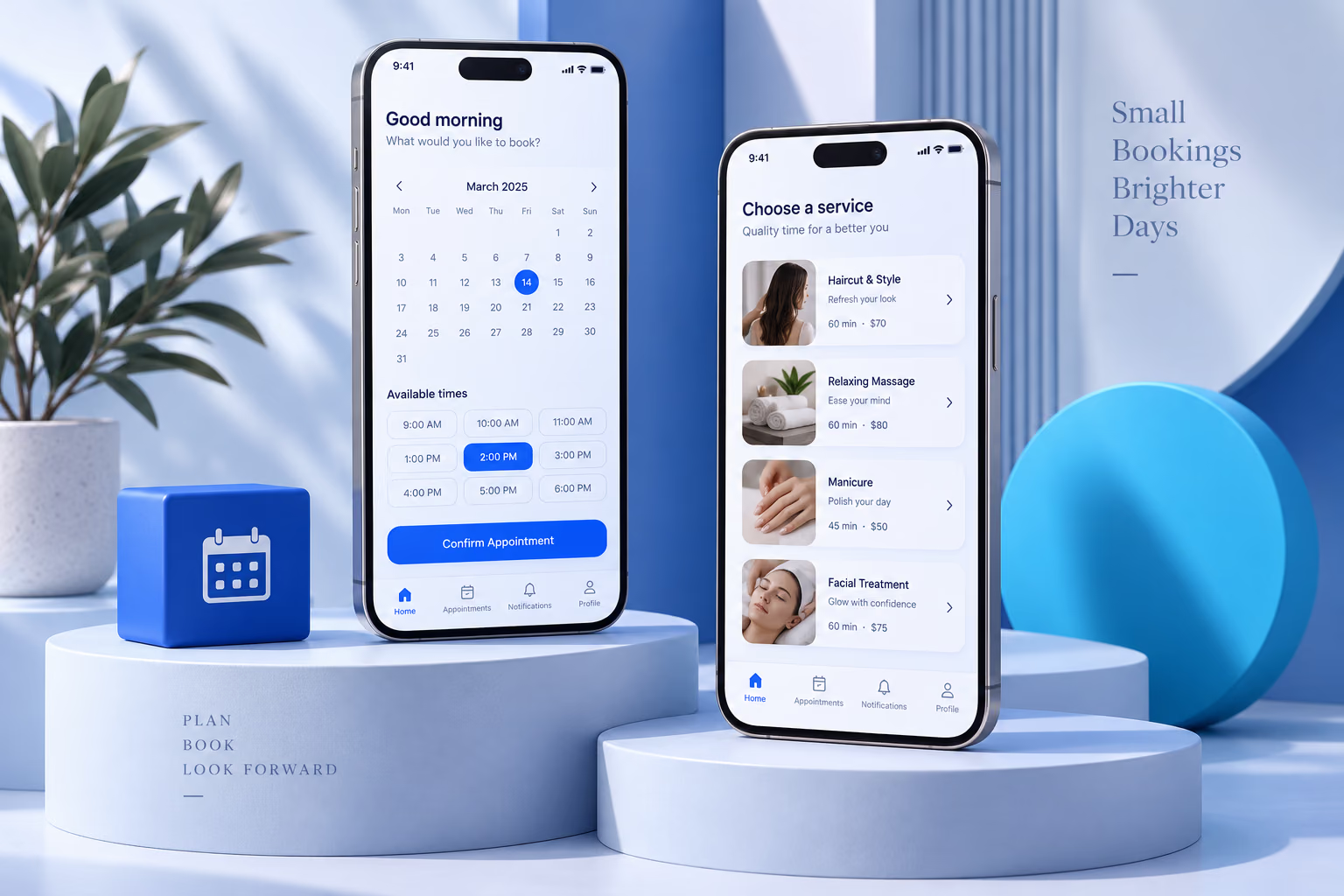
The booking-app concept offers a starting point for confirmation, reminder and rescheduling messages.
PLANS & INCLUDED BENEFITS
Compare channels, templates and routing flows, and system integrations. Provider subscriptions and per-message charges are separate, approval and verification are not guaranteed and AI agents are a separately scoped service.
Set up one official business messaging channel.
4,000SAR
/ project · excl. VATOne-time project fee. Support beyond the included period is quoted separately.
Included in your plan
Included in the starting price. Scope and limits are listed below.
Connect customer conversations to an existing system.
8,000SAR
/ project · excl. VATOne-time project fee. Support beyond the included period is quoted separately.
Included in your plan
Included in the starting price. Scope and limits are listed below.
Coordinate two channels and a larger support workflow.
15,000SAR
/ project · excl. VATOne-time project fee. Support beyond the included period is quoted separately.
Included in your plan
Included in the starting price. Scope and limits are listed below.
Starting prices in SAR, excluding VAT where applicable. Final scope and price are confirmed in your proposal. One-time implementation fees; messaging-provider subscriptions and per-message charges are separate. Provider approval and verification are not guaranteed. AI agents are separately scoped. Training is one 60-minute session; setup support covers delivered-scope defects for 30 days.
Before we start