Before approving an AI agent, a CTO should answer one question: does this task need the model to decide its own next step? Often it does not. A fixed workflow, in which your code calls a model at known points, is easier to test, explain and approve. Choose an agent only when the path through a task cannot be known in advance, and then bound it with a short list of tools, approval rules for anything that changes data or spends money, and an outcome you can measure.
This playbook covers that decision and its guardrails. If you are still choosing which internal processes suit AI at all, start with our guide to selecting internal AI copilot use cases.
Anthropic's engineering guide to building effective agents draws a useful line. In a workflow, models and tools are orchestrated through predefined code paths. In an agent, the model directs its own process and decides which tools to use. The guide recommends finding the simplest solution that works and adding complexity only when it is needed.
In practice there is a ladder of options, and each rung adds cost, latency, test surface and new ways to fail:
- A single model call, perhaps with retrieved documents, inside an existing screen.
- A fixed workflow: several model calls chained, routed or checked by code you wrote.
- A bounded agent: the model chooses among a few tools inside limits you set.
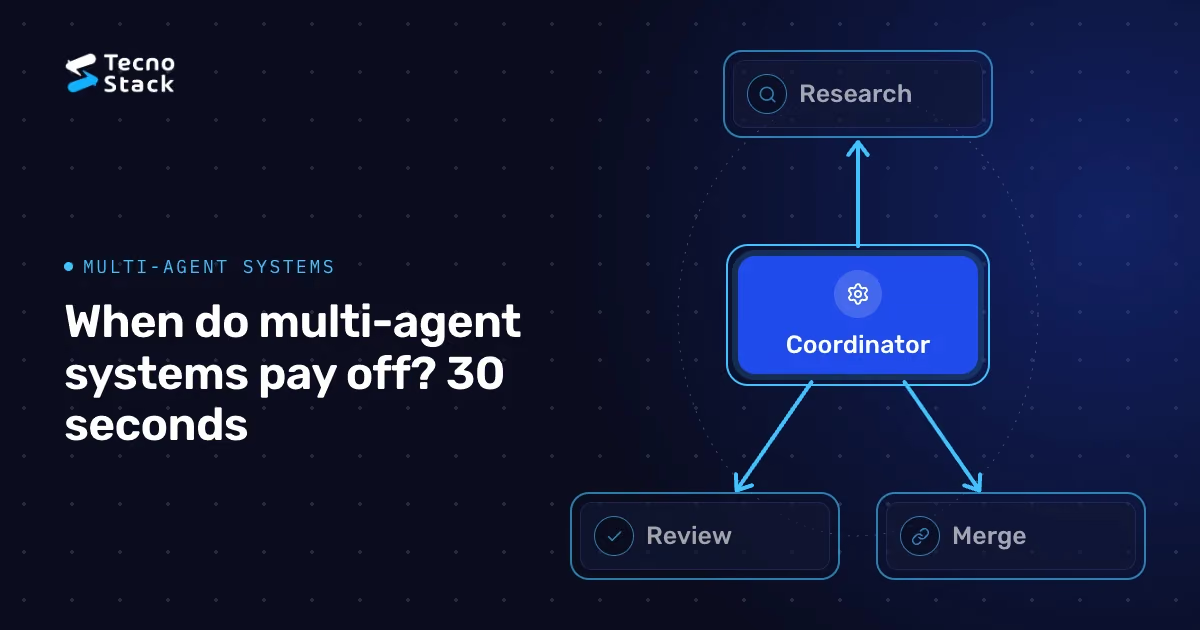
- Several cooperating agents, coordinated by an orchestrator.
TecnoStack's rule is to climb one rung only when you can show the lower rung failing on real cases, not because the higher rung sounds more capable.

Figure 1 — Known steps? Use a workflow. Example: invoice review.
- Can you write the steps down in advance? If a flowchart covers most cases, build the flowchart and use the model for judgment inside its steps.
- Does the next step depend on what was just discovered? When each finding determines the next lookup, a fixed path breaks down. That is agent territory.
- What does a wrong action cost, and can it be undone? Search results and drafts are usually easier to review before they affect the business. They still need access controls and careful review when decisions depend on them. Payments, customer messages and access changes call for stronger controls.
- Can someone judge whether the result was right? If nobody can define success, you cannot evaluate the agent, and you should not deploy it.
An illustrative example from accounts payable shows the difference. Matching a supplier invoice to a purchase order and a goods receipt follows known steps: a workflow with model-assisted extraction and code-based matching. Investigating why one supplier's payments keep failing, across emails, ERP records and bank responses, has no fixed path. That second task is a reasonable candidate for a bounded agent, provided its output is a findings report for a person, not a payment.
Build the workflow version first, even when you suspect you will need an agent. It gives you a baseline, a test set and a clear picture of where the fixed path fails. If failures cluster where the code cannot anticipate the next step, introduce an agent loop in that step only and keep the rest deterministic.
Every agent loop needs stop conditions decided in advance:
- A maximum number of steps, a time limit and a spending limit per task.
- A defined hand-over outcome: when the agent is stuck or uncertain, it stops and passes a summary to a person instead of trying again.
- A narrow goal: "produce a findings report for this supplier" rather than "fix supplier payments".
The tool list is the agent's real job description. Classify each tool by what it can change:
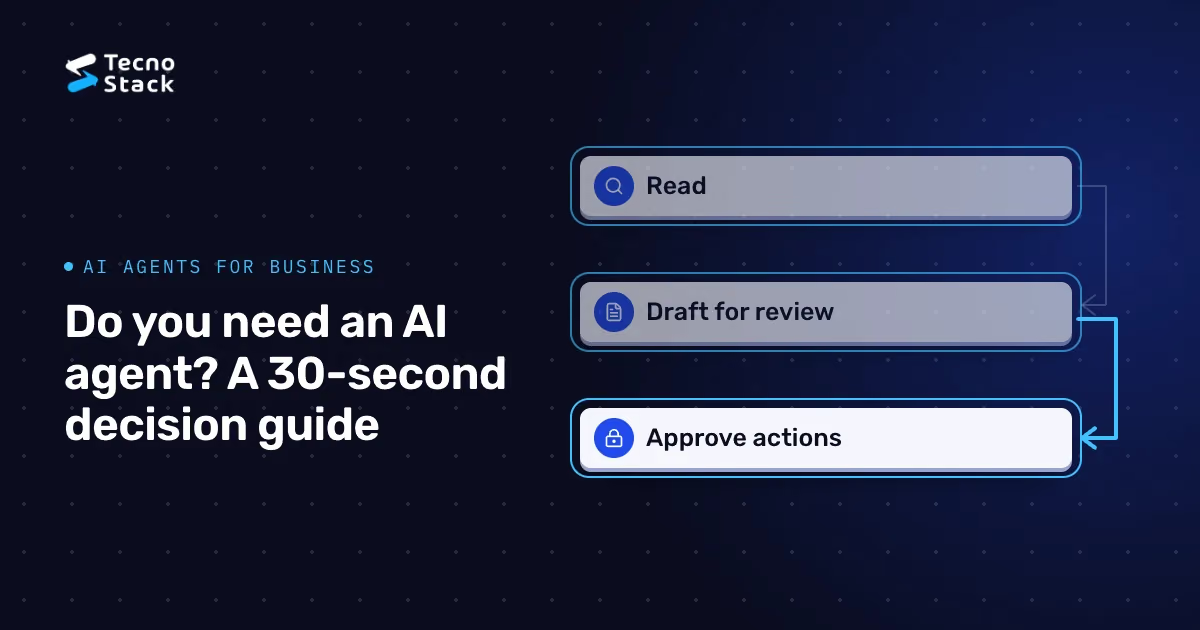
- Read tools search, look up and summarize. They run automatically, under the requesting user's permissions or a narrowly scoped service identity.
- Draft tools prepare an email, a ticket update or a payment proposal and save it for review. Nothing leaves the system.
- Action tools send, pay, delete, change access or commit records. Each call requires explicit human approval with a clear preview of its effect, or the tool is not exposed at all.
Record every approval: who approved what, and when. Treat content that tools return, such as emails, web pages and documents, as untrusted data. It can inform the agent, but it can never approve an action or change the agent's instructions.
NIST's Generative AI Profile, which extends its AI Risk Management Framework to generative systems, is a useful checklist for mapping these risks to controls and owners. It is guidance for managing risk, not a guarantee: a system aligned with it can still fail, which is why the approval rules above matter.

Figure 2 — Approve tools by their effect. Permissions apply to every call.
An agent project needs a business owner and an outcome agreed before any code is written. Measure the agent against the current process or the workflow baseline on the same tasks:
- Accepted outputs: how often a person accepts the result without rework.
- Time to resolution compared with the baseline.
- Escalations and incidents, including approvals refused because the proposed action was wrong.
- Full cost per completed task: model usage, tooling, review time and operations.
Agree in advance which results justify a wider rollout and which mean stopping. For setting baselines and counting total costs in a pilot, see our guide to measuring internal AI copilot pilots.
Before release, run the agent against a test set of representative tasks, including cases where it should hand over, cases with misleading or injected content, and cases at the edge of its permissions. Release to a small group, review tool calls and approvals, and keep a way to disable action tools instantly without switching off the whole feature. Our guide to release gates, monitoring and rollback for AI systems covers the operational side in detail.
Splitting work across several agents can help when a task genuinely divides into independent parts that can run in parallel, but it adds coordination, cost and new failure modes. Show that a single bounded agent has reached its limits on your tasks before adding more; our explainer on multi-agent systems covers when decomposition is worth it.
The decision sequence is short: confirm that autonomy is needed, bound it with tools and approvals, and measure accepted outcomes against a baseline. If you want help applying it to a specific process, our AI agents service can work through the scoping with your team.
- Anthropic. Building effective agents. The page marks its original December 2024 examples as historical rather than current API guidance.
- National Institute of Standards and Technology. Artificial Intelligence Risk Management Framework: Generative Artificial Intelligence Profile (NIST AI 600-1).
The decision questions, approval tiers and measures in this article are TecnoStack's guidance, not requirements set by Anthropic or NIST.