
01
The store looks unfinished
Inconsistent banners, product images and navigation make the brand feel less considered.
Build / Salla Store Design & Setup
Salla store setup and improvement with attention to Arabic content, product organisation and the daily order journey. We work within your plan and supported tools.
Scope, timeline and pricing agreed after reviewing your needs.

Illustrative journey. This is a design concept, not a live product or connected account.
Who this is for
For a messy catalogue, gaps in branding or daily order handling that takes more effort than it should.
Inconsistent banners, product images and navigation make the brand feel less considered.
Customers have too many unclear categories or too little information to compare products.
Your team needs a clear way to manage orders, customer messages and routine updates.
What you get
Content structure, storefront styling and store configuration within the capabilities your Salla plan and theme support, agreed before implementation.
Check your current plan, theme, apps and merchant requirements before choosing the implementation.
Apply the brand to the available theme sections, navigation, banners and product presentation.
Organise categories and approved product data, then configure the agreed store behaviour.
Review product names, descriptions and customer-facing text; scope English content where required and supported.
Select useful tools and agree what shopping events to measure within available capabilities.
Review configured payment and shipping scenarios, then guide the team through routine operations.
How we work
We check the account, plan and theme options before promising any customisation. Provider contracts and merchant eligibility stay with Salla, the providers and your business.
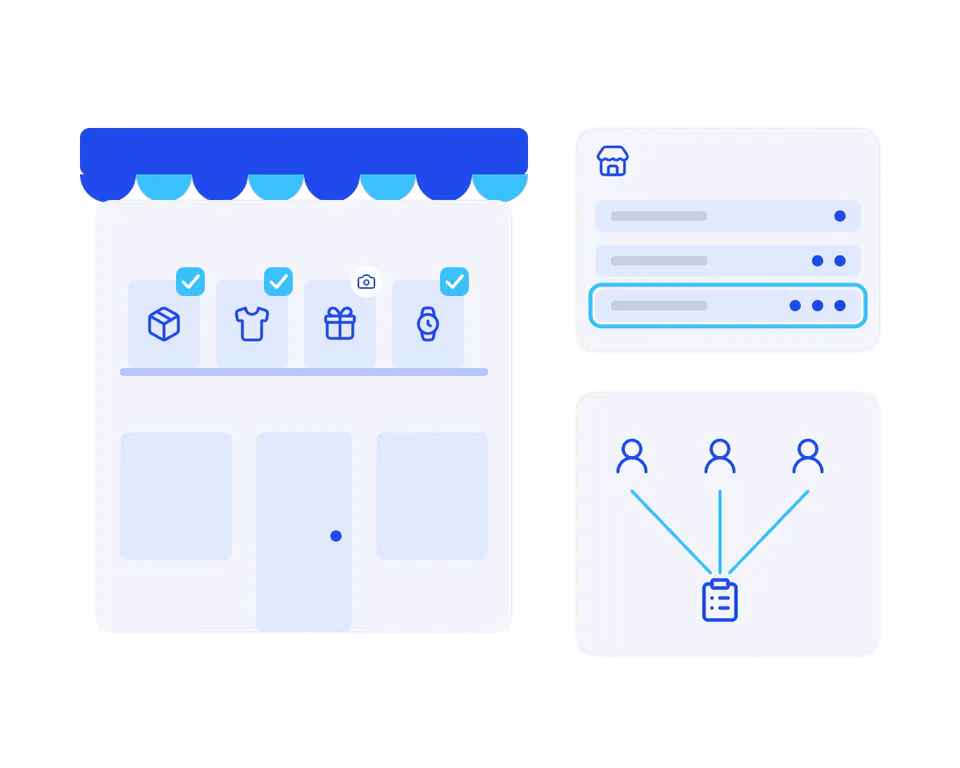
Understand the merchant account, current plan, products and order-handling needs.
A scope grounded in your account.
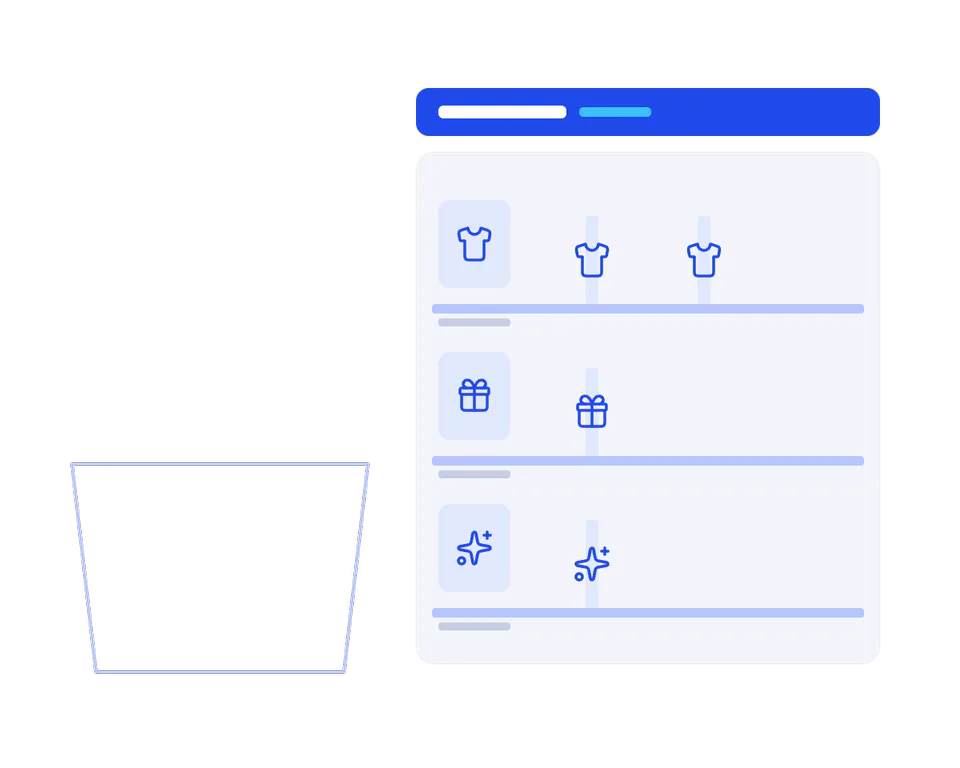
Agree categories, product information and a clear visual direction for the theme.
Make the catalogue understandable.
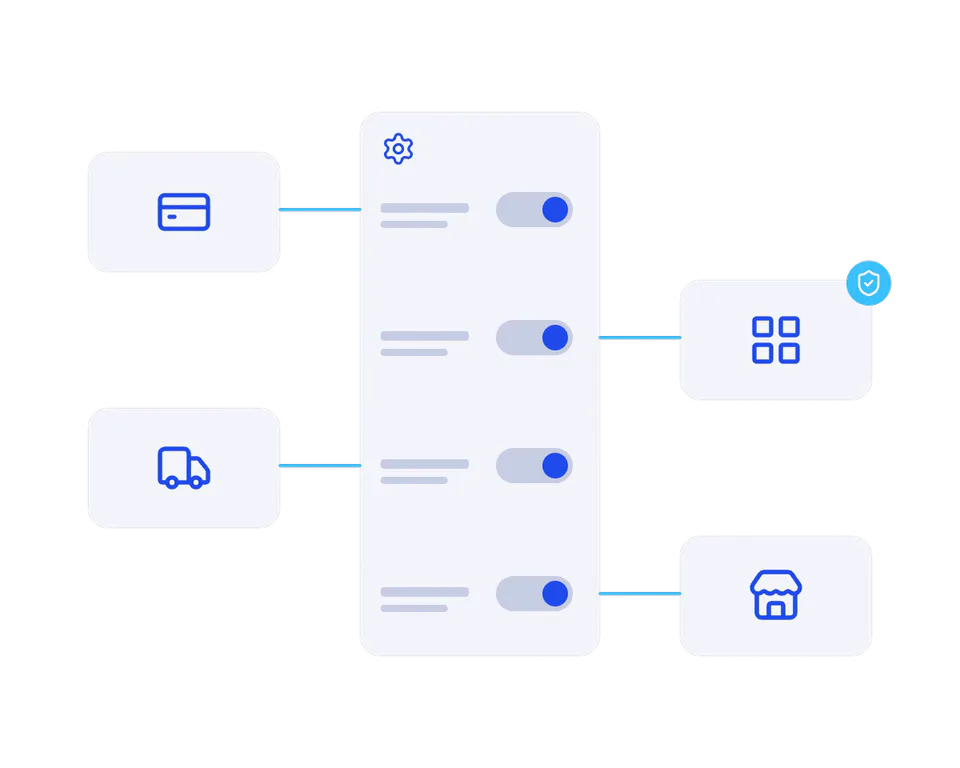
Apply approved content and settings, reviewing supported apps and provider connections.
Every setting connected to a need.
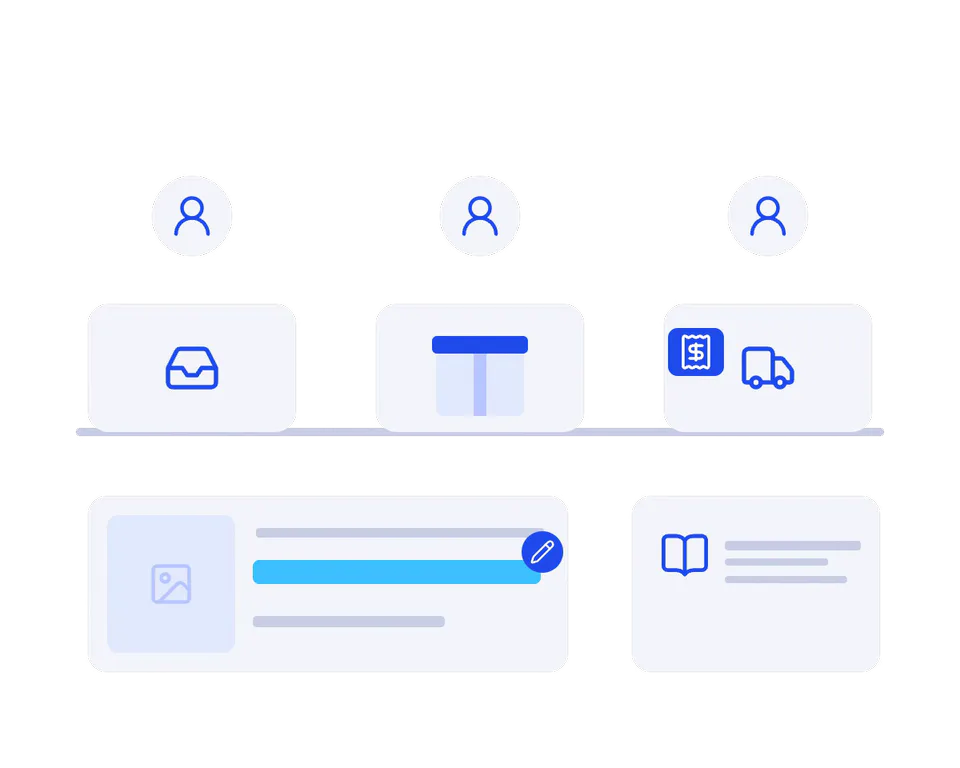
Walk the team through order scenarios and routine updates before opening the store.
A team ready for the next order.
Explore the possibilities
Illustrative concepts from our demo portfolio. They show possible experiences, not commissioned client projects, platform-specific implementations or measured results.
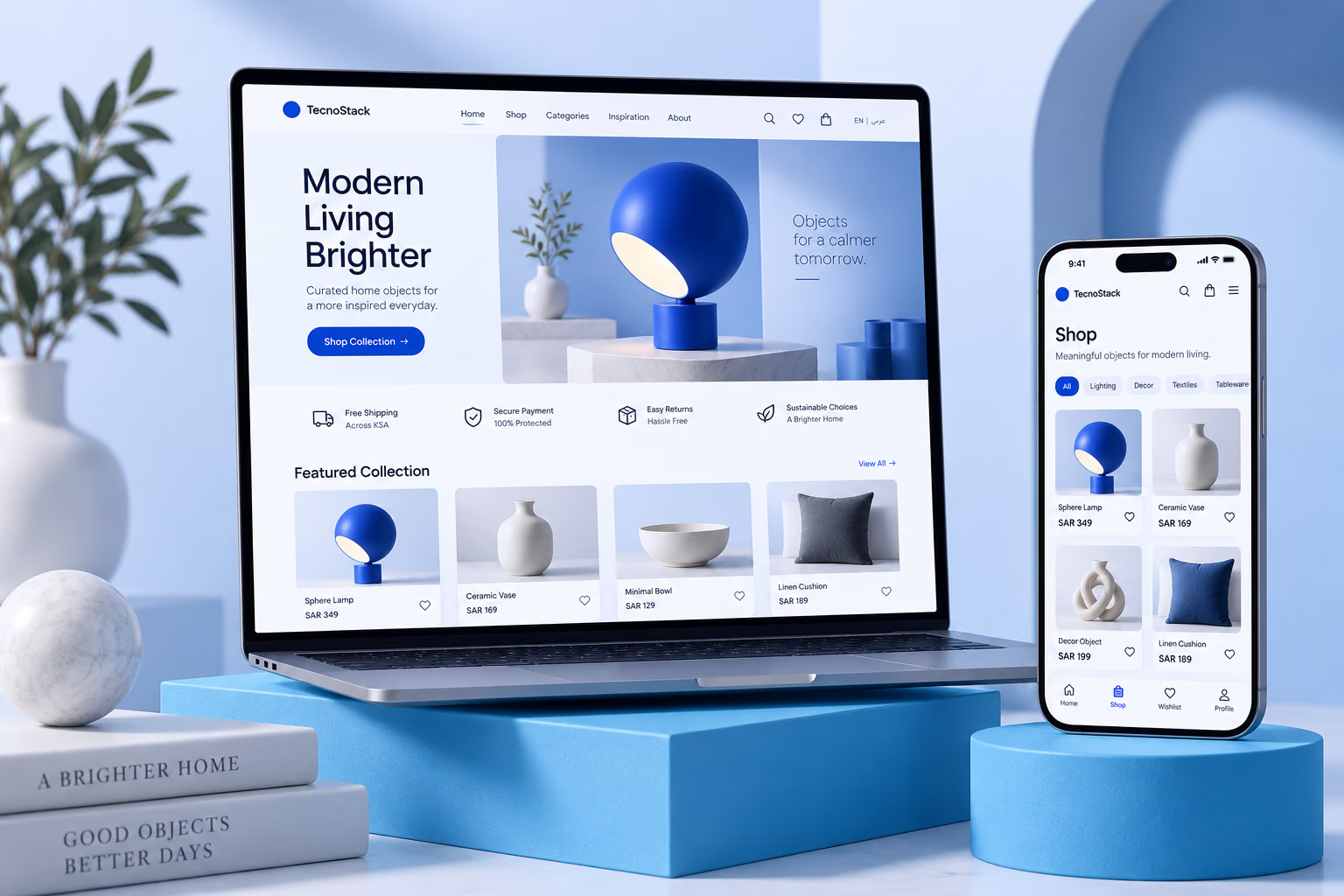
A demo shopping interface illustrates useful categories and consistent product presentation.

A logistics concept illustrates the kind of order visibility that can inform your customer communication plan.
PLANS & INCLUDED BENEFITS
Compare catalogue and page scope, language coverage and the number of supported apps. Not every Salla plan supports every requested customisation, so capabilities are confirmed against your account first.
Set up a branded store using supported Salla features.
4,000SAR
/ project · excl. VATOne-time project fee. Support beyond the included period is quoted separately.
Included in your plan
Included in the starting price. Scope and limits are listed below.
Refine an established store with more content and merchandising.
6,500SAR
/ project · excl. VATOne-time project fee. Support beyond the included period is quoted separately.
Included in your plan
Included in the starting price. Scope and limits are listed below.
Organize a larger catalogue and connected store tools.
10,000SAR
/ project · excl. VATOne-time project fee. Support beyond the included period is quoted separately.
Included in your plan
Included in the starting price. Scope and limits are listed below.
Starting prices in SAR, excluding VAT where applicable. Final scope and price are confirmed in your proposal. Product data, images and translations are client-provided. Platform subscriptions, themes, paid apps, hosting, payment and shipping fees are separate. Launch support covers delivered-scope defects for 30 days; training is one 60-minute session.
Before we start