
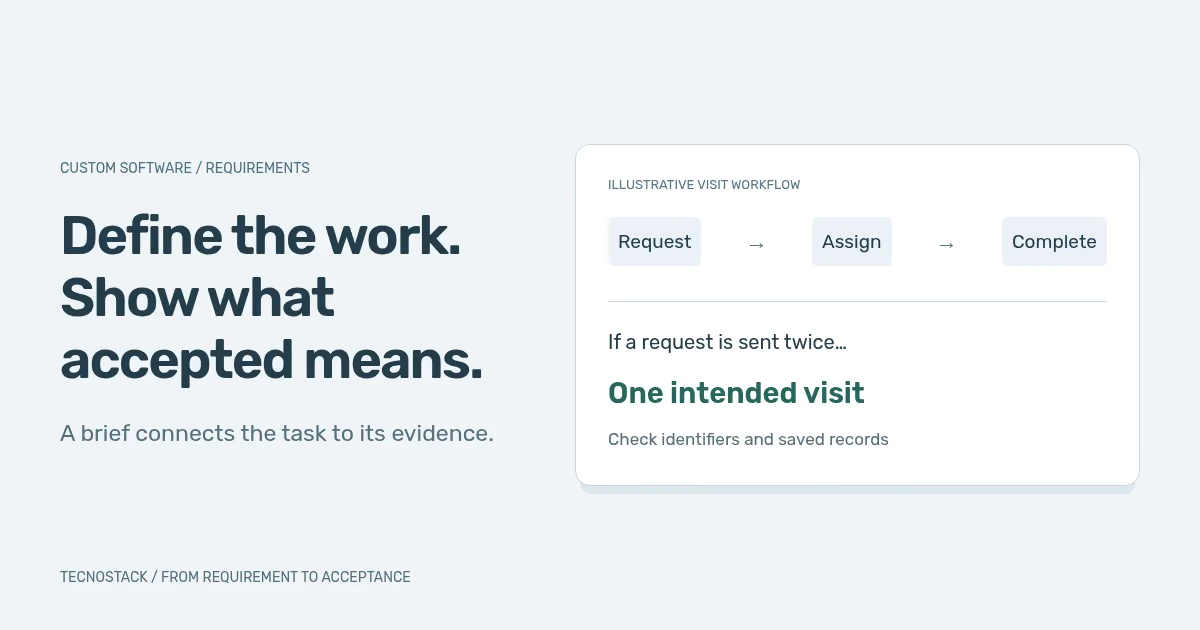
Start a software brief with a task: a coordinator assigns an unassigned visit to a technician and can verify who now owns it. Record the conditions, exceptions and evidence the team needs to accept that result.
This guide gives you two worksheets and a filled-out requirement to adapt. The field-service team and its records are hypothetical. Use your own workflow and examples when completing the brief.
Imagine a coordinator receives visit requests, assigns technicians and follows completion. “Build a dashboard” does not explain what is going wrong. A more useful starting point is: the coordinator needs to identify unassigned visits and give each one an accountable owner. The team must still establish whether that describes its actual work.
Bring current forms, anonymised examples, support questions and a walkthrough with people who use the process. Separate observed problems from preferences and assumptions, as GOV.UK’s user-needs guidance recommends.
Write the outcome in everyday language, then define what will be observed. For the example, a reviewer should be able to find an unassigned request, assign it to an eligible technician and see the resulting status. Do not promise a percentage saving before collecting a baseline and agreeing how it would be measured.
Use the following brief to organise a first discussion. Each row should identify a decision, its evidence and any unresolved question. Keep product requirements separate from project responsibilities: “only coordinators can reassign visits” describes behaviour; “the operations manager approves the rules” identifies who decides.
| Brief section | What to write | Example for the visit workflow |
|---|---|---|
| Outcome and boundary | The work included and deliberately deferred | Request, assign and complete visits; payroll deferred |
| Users and permissions | Who may view, create, change and approve | Coordinator assigns; technician sees authorised visits |
| States and exceptions | Allowed transitions and recovery behaviour | Requested, assigned, completed or cancelled |
| Data ownership | Authoritative fields, identifiers and lifecycle | Visit system owns assignment; customer source is named |
| Interfaces | Systems, direction, triggers and failure handling | Agreed customer lookup with an unavailable-state response |
| Quality constraints | Language, accessibility, workload and operating needs | Arabic/English tasks on agreed devices and conditions |
| Acceptance | Observable scenarios and required evidence | Assignment succeeds; forbidden reassignment is rejected |
| Handover | Accounts, documentation, support and exit needs | Company-owned access, export and operating instructions |
A regulated workflow, offline app or complex migration may need additional analysis. Record those dependencies so the proposal distinguishes confirmed work from discovery, assumptions and exclusions.
Give each requirement a stable reference and one clear outcome. NASA’s good-requirement checklist supports this writing discipline: a reviewer should be able to connect the requirement to its purpose and verification evidence.
Start with the actor, task and reason, then describe observable outcomes. GOV.UK’s user-story guidance provides that structure. For example: a coordinator needs to assign a visit so that a technician can take responsibility for it. That sentence starts the discussion; it does not settle availability rules, permissions or concurrent changes.
Use the following scenarios to agree those missing decisions. Test with representative data, record what happened and attach evidence another reviewer can inspect.
| Scenario | Agreed behaviour to define | Evidence to inspect |
|---|---|---|
| Valid request and assignment | Required details save and an eligible technician receives the assignment | Saved request, owner and resulting status |
| Duplicate submission or retry | The same intended request does not create an unintended second visit | Request identifiers and resulting records |
| Unauthorised reassignment | A technician without permission cannot change another assignment | Rejected operation and unchanged record |
| Concurrent coordinator edits | A stale edit cannot silently overwrite an accepted assignment | Conflict response and final owner |
| Customer lookup unavailable | The interface explains what happened and follows the agreed retry or hold rule | User message and recoverable request state |
| Cancelled visit | Cancellation has defined effects on access, notifications and history | Final status and downstream outcomes |
| Arabic, mobile and keyboard use | The complete assignment task remains understandable and operable | Task review in the agreed language and access conditions |
Test outcomes beyond the screen. A disabled button does not prove that an unauthorised request is rejected by the server. A success notification does not establish that the right record was saved. Conversely, a screenshot can be useful evidence for layout or wording when that is the requirement being reviewed.
Decide what a user can do after a timeout, how a duplicate is recognised and what happens when an employee leaves. Keep those decisions in the brief and acceptance checks.
Here is one record for the hypothetical visit workflow. It defines eligibility for this example; your team must choose its own rule. Scheduling conflicts remain a separate requirement.
| Field | Example entry |
|---|---|
| Reference | REQ-VISIT-01 — assign an unassigned visit |
| Requirement | The system shall let an authorised coordinator assign an unassigned visit to an eligible technician. |
| Eligibility rule | The technician has an active account and belongs to the visit's service team. |
| Test setup | Visit V-104 is unassigned. Coordinator C-8 may manage its service team. Technician T-17 meets the eligibility rule. |
| Action | C-8 assigns V-104 to T-17. |
| Expected result | After a fresh page load, V-104 has assignee T-17 and status Assigned. The saved visit record agrees. |
| Evidence | The assignment request and response, resulting visit record and fresh page view, using test accounts. |
| Acceptance record | Leave the decision pending until checked; then record pass/fail, reviewer, tested build and evidence location. |
Now reset the test visit to unassigned and repeat the request as a technician without assignment permission. Acceptance requires a refused operation and an unchanged visit. This checks the permission boundary behind the screen. Keep duplicate, concurrent-edit and dependency-failure checks as separate scenarios so one passing assignment cannot stand in for the whole workflow.
Replace “fast”, “secure” and “easy to use” with an agreed scope and method of checking. For performance, name the task, workload, data size, device/network conditions and measurement approach before choosing a target. A response-time number without those conditions can be satisfied in a demonstration while the real workflow remains slow.
For access and data, identify who may see each category, where information comes from, who may export it and which retention or deletion decisions apply. Include backups and support access in the discussion. Name the responsible business or legal reviewer where requirements depend on contracts or applicable rules; do not assume choosing a hosting location settles every data obligation.
OWASP’s Application Security Verification Standard offers versioned requirements that can support procurement and verification. If used, state the version, selected requirements, exclusions and evidence expected. Adding “ASVS” to a proposal does not itself establish that the application passed a security review.
Language and accessibility deserve complete tasks too. Check Arabic field labels, mixed-language values, validation messages, keyboard order and enlarged text. A handful of examples does not establish full accessibility conformance. Use the Arabic RTL checklist to make the intended experience more concrete before agreeing the review scope.
Maintain a short list of unknowns with an owner and a decision date. Examples include whether a customer system exposes the needed interface, whether offline work is necessary and whether historical records must be imported. Ask the proposal to show the impact of these assumptions, rather than hiding them inside a single feature label.
Keep the first release coherent. A complete request-to-assignment workflow can be more reviewable than half-finished fragments of ten departments. State which later capabilities are deferred and how they affect today’s decisions. The MVP architecture guide helps connect that boundary to data ownership, interfaces and recovery.
An agreed brief also makes alternatives easier to assess. Test an existing product against the same important tasks before committing to custom work. Use the SaaS or custom software framework when the decision is still open; a custom build should answer a real gap in the workflow or ownership requirements.
Review the current brief with the people responsible for operations, delivery and acceptance. Confirm the included workflows, unresolved dependencies, acceptance scenarios and operating handover. Record a version and decision owner so future changes can be compared with something concrete.
When a requirement changes, update its rationale and affected checks. A new permission can alter interfaces, data exposure and training; a new status can affect reports and notifications. Agree the resulting scope and delivery impact before calling the revised work included.
TecnoStack’s custom software service can scope discovery, implementation or a focused change to an existing system. Bring the workflow, representative examples, systems involved and known constraints. The next useful output is a reviewable delivery scope with acceptance evidence and responsibilities, supported by the brief you can already explain.


