
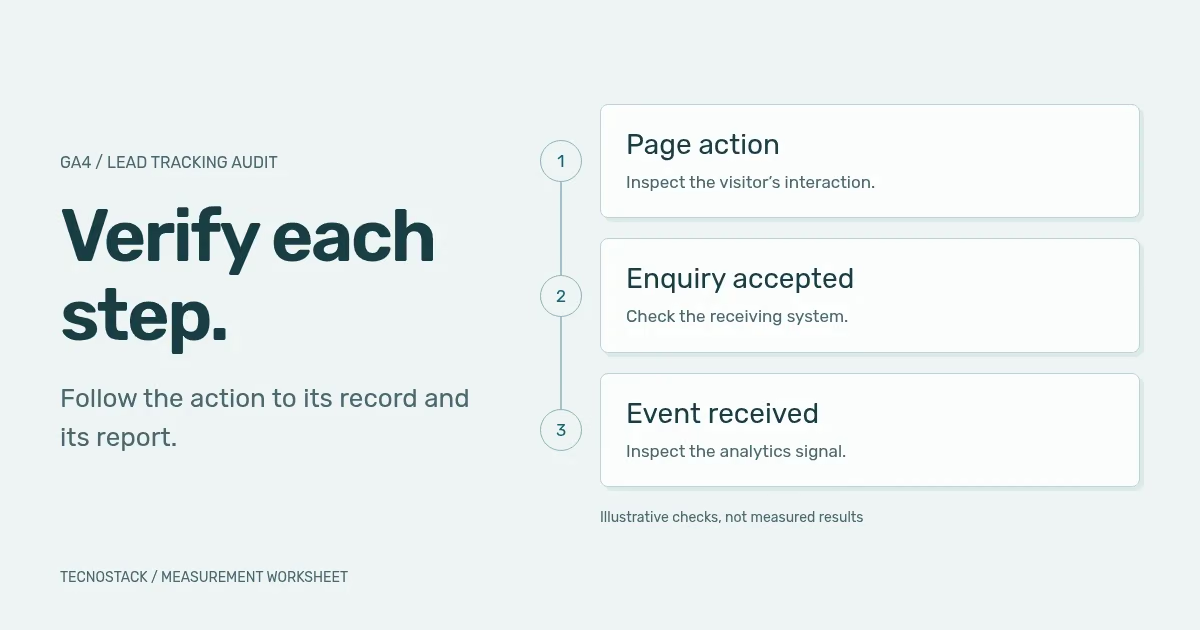
A GA4 conversion tracking audit should follow a meaningful customer action from the page to its business record and analytics report. Define what counts as a received enquiry, test the event that represents it and check how the report counts it. A green tag status alone does not establish that the sales team received a usable request.
GA4 calls important measured events key events. Keep that reporting label separate from your business definition of a lead. Your team may need to distinguish a form attempt, an accepted enquiry, a qualified opportunity and a customer. This guide gives you an acceptance matrix and an evidence record for those checks, rather than a list of settings to change without context.
Choose one real action and write its acceptance condition in ordinary language. For a service-enquiry form, that might be: “The receiving system accepts a valid request and records it for the responsible team.” Name the system and the person who can verify the record. A success message is useful evidence only if it reflects that acceptance.
Then describe what should happen when the request fails. If the server rejects a field, the customer has attempted an enquiry but has not completed your defined outcome. If a request times out after the server accepts it, the browser's uncertainty requires investigation; it does not prove the record is absent. These distinctions shape the implementation and its recovery behaviour.
Google's recommended events include generate_lead for a submitted request, qualify_lead for an agreed qualification decision and close_convert_lead for a converted customer. They need implementation and relevant context. An event name or registration cannot supply a missing business decision.
Use this original acceptance matrix as a starting point. The examples describe a hypothetical service-enquiry flow, not a default GA4 configuration or a measured TecnoStack result. Adapt the rows to your form, booking system and CRM before writing triggers.
| Stage | Evidence to inspect | What the observation establishes | What still needs checking |
|---|---|---|---|
| Enquiry button selected | Browser interaction | The visitor chose the next step | Whether the form opened or a request followed |
| Form started | Relevant form interaction | Work began on the form | Whether the fields were valid or submitted |
| Request accepted | Receiving-system confirmation | The defined submission reached its destination | Whether the analytics event arrived and the team can use the record |
| Lead event received | Event and parameters in the intended property | Analytics received that signal in the tested conditions | Whether its trigger correctly represents acceptance |
| Lead qualified | Recorded decision under agreed criteria | The team assessed the enquiry | Whether reporting reflects that stage and its timing |
| Customer recorded | The agreed business record | The commercial outcome occurred under your definition | Which source receives credit and which records can be linked |
Add the event name, allowed parameters, owner and expected frequency beside each row in your working document. Keep parameters focused on the question: form type, language or an agreed non-identifying category may be useful. Do not copy the customer's message into an analytics event to make debugging easier.
Review existing automatic events before adding custom ones. Google's enhanced measurement documentation describes form_start and form_submit as form interactions. Verify their behaviour on your actual form. The event alone does not certify a persisted CRM record, a successful booking or sales qualification.
Inspect each stage with a tool suited to it. Start in a controlled test environment or an agreed test session, using synthetic contact details and a receiving system where the team can identify test records. Record the language, device, page version and consent state so someone else can repeat the case.
GTM preview and debug mode lets you inspect a draft container's tag behaviour before publishing. Check the event sequence, trigger conditions and resolved parameter values. A tag appearing in the fired list is evidence about the container; follow the payload and destination as well.
Use GA4 DebugView for the test device where appropriate. Check the event name and parameters in the intended property. Google notes that privacy controls and denied analytics-cookie consent can prevent events appearing there, and that its attribution analysis is limited. Do not use DebugView as a substitute for an acquisition report or change consent choices merely to obtain a green check.
Finally, verify the report you intend to use. Record its metric, dimensions, date range, timezone, filters and processing state. A correctly received event can still be interpreted incorrectly when a user count is compared with an event count. Keep the business-system record in the same review so an analytics-only investigation does not miss a failed handover.
Test the cases that could make the report look healthier than the actual enquiry flow. Repeat the relevant cases in Arabic and English, including mobile layouts. Use the following worksheet to record expected behaviour before running the test.
| Test case | Expected business result | Analytics question |
|---|---|---|
| Required field missing | Explain the error; no accepted enquiry | Did a click or submit attempt incorrectly become the success event? |
| Receiving service rejects the request | Preserve a useful recovery route | Was success withheld when acceptance failed? |
| Visitor clicks submit twice | Handle the repeated request according to the agreed rule | Did the same accepted request emit duplicate success signals? |
| Response is lost after acceptance | Reconcile the accepted record before retrying | Can the team distinguish uncertainty from confirmed failure? |
| Confirmation page is refreshed | Keep the existing outcome | Does refresh manufacture another success event? |
| Consent is denied, then granted | Respect the configured choices at each stage | Do observed requests and storage match the intended implementation? |
| A second legitimate enquiry is submitted | Apply the documented new-enquiry rule | Does the chosen count preserve the distinction the business needs? |
Consent deserves its own expectation. Google's consent-mode overview distinguishes basic and advanced implementations: advanced mode can send measurements without cookies while storage consent is denied. Therefore, “a network request exists” is not by itself a complete consent diagnosis. Verify the configured behaviour, the data sent and the applicable requirements with the responsible team.
Consider a hypothetical test in one session. A visitor submits two distinct, valid enquiries, and the receiving system creates two records. A defect sends the first success event twice and the second once. Analytics therefore receives three occurrences of the same event, even though only two accepted submissions exist.
With a once-per-session counting method, the key-event count for that event in the session is one. With once-per-event counting, it would be three. Neither setting repairs the duplicate emission or turns the report into a count of distinct business records. Fix the trigger or delivery path, then choose the reporting definition for the question being asked.
Google documents these key-event counting methods and states that changes affect future data. Keep the configuration change date in the evidence record. Do not “correct” a low count by changing a setting without first understanding why the team chose it and what downstream reports depend on it.
Give each finding a reproducible record: the expected outcome, tested action, environment, observed payload, receiving-system evidence, reporting definition, severity and owner. Include the proposed correction and the acceptance case that will prove it worked. Redact personal details from screenshots and logs before sharing the handover.
Google's PII guidance specifically addresses URLs, titles, user-entered text and campaign parameters. Review those paths as well as explicit event fields. Keep names, email addresses and contact messages out of ordinary analytics parameters; do not assume that changing a field name or hashing a value makes every use acceptable.
Finish by separating confirmed faults from unanswered questions. A duplicate success event can have a concrete fix. If the issue concerns the page itself, use the landing-page review worksheet to define a focused correction. A campaign producing low-quality enquiries may need sales-stage definitions and a longer observation period. The guide to comparing reported outcomes offers a worked example of denominator and attribution differences.
TecnoStack provides analytics and conversion optimisation for teams that need a scoped review or implementation. Existing website, store, SEO and marketing plans retain their published tracking inclusions. Bring one action you need to trust, the system that confirms it and the report you use to make a decision; that is enough to define the first review.
Once the event path is sound, use the attribution and lead-quality worksheet to reconcile campaign sources with assessed enquiry records.


