
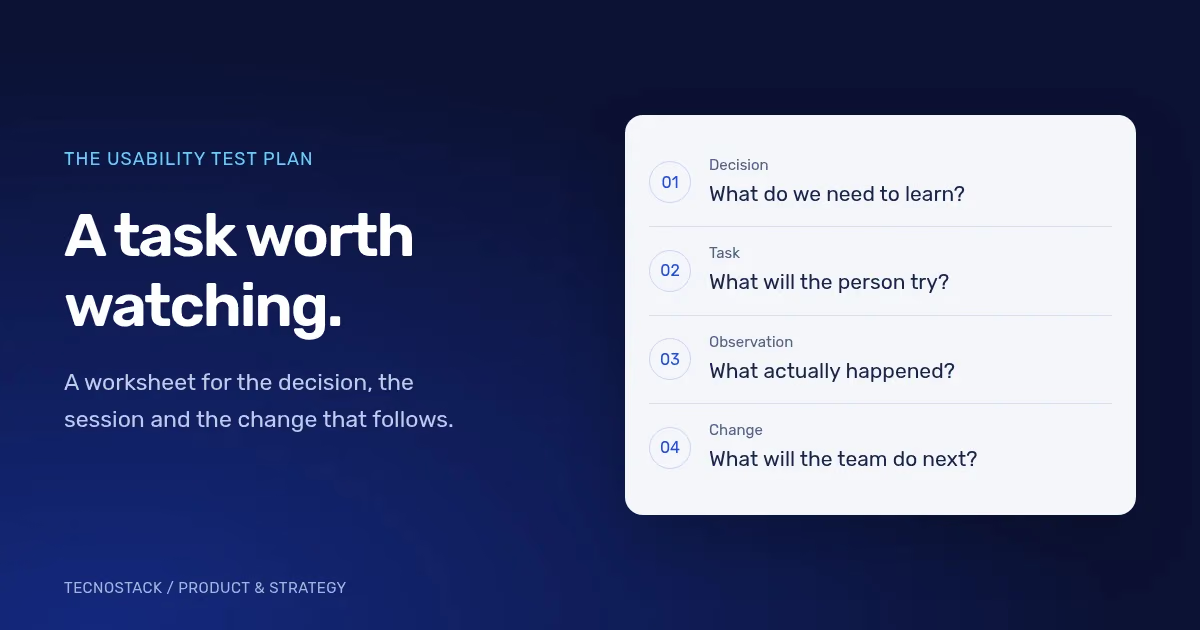
A usability testing plan is a short agreement about what decision the study will inform, who will try the product, what they will attempt and what evidence you will record. Write those four things before recruiting participants. A collection of screen opinions gives a team less direction than an observed attempt to complete a real task.
This guide includes a planning worksheet and a hypothetical booking example. Use them for a first review of a defined product journey. The worksheet is a TecnoStack planning aid, not a report of a study we have conducted.
Write the decision in a sentence that names a possible change. For example: “Decide whether the service-selection step gives first-time visitors enough information to choose an appointment.” That is specific enough to influence the prototype, participant criteria and tasks.
“Check whether people like the website” leaves too much open. A participant can like a screen and still be unable to book. Equally, someone may dislike a colour while completing the task without difficulty. Keep aesthetic preferences in your notes, but identify which observations bear on the decision.
Choose the starting point and the end of the journey. Does the task begin on a campaign page, an account dashboard or a link in an email? Does completion mean reaching a confirmation screen, receiving a real confirmation or saving a draft? Those boundaries determine what the prototype must support.
Use the following worksheet before the first session. The example column describes an invented appointment-booking product; replace it with your own context.
| Planning field | What to write | Hypothetical example |
|---|---|---|
| Decision | The choice the team will make afterwards | Keep or revise the service-selection step |
| Journey boundary | Start and completion state | From the service page to a booking confirmation |
| Intended users | Experience, role and relevant needs | First-time customers choosing an appointment themselves |
| Languages | Which journeys need their own evidence | Arabic and English, with equivalent tasks |
| Task | A realistic goal without interface instructions | Arrange an appointment for the stated need |
| Completion evidence | What counts as completing the task | The intended service and time appear in the confirmation |
| Method | Moderated or unmoderated, remote or in person | A moderated prototype session |
| Prototype limits | What is simulated or unavailable | No payment collection; confirmation is simulated |
| Permission | How participation and recording are agreed | Explain purpose, observers, recording and retention before starting |
| Responsibilities | Who facilitates, observes and decides | Name a facilitator, note-taker and product decision owner |
| Next action | How findings will enter the work | Review evidence, choose changes and retest the revised flow |
Keep recruitment criteria about the task. Someone who books appointments on behalf of a whole team may use the product differently from someone booking for themselves. Mixing those roles without recording the difference makes the findings harder to interpret.
Describe the situation and the goal. Avoid naming the button or menu you hope the person will find. NN/g explains that task wording can influence how participants perform, which is why a realistic, carefully phrased task matters. NN/g’s usability-testing guide
For the hypothetical booking journey, a task could read:
You need an appointment to discuss a new company website. Find an available time next week that you could attend, and continue until you believe the appointment is arranged.
An Arabic version could read:
تحتاج إلى موعد لمناقشة موقع جديد لشركتك. ابحث عن وقت متاح في الأسبوع المقبل يناسبك، وأكمل الخطوات حتى تعتقد أن الموعد أصبح مؤكدًا.
Both versions ask for the same outcome. Neither tells the participant to open the calendar, select a named tab or press a particular button. Pilot the wording to catch ambiguity before using it across sessions.
If the prototype cannot make a real booking, explain that limitation without showing the intended route. Use sample data. Avoid asking participants to enter live credentials, payment details or confidential customer information into a research prototype.
Record behaviour and its context before interpreting it. A useful note says which task was active, what the participant did, whether they completed it and whether the facilitator intervened.
The table below is a hypothetical observation log. Its entries illustrate the format; they are not findings from a customer study.
| Observation | Interpretation to investigate | Possible next check |
|---|---|---|
| The participant returns to the service list after opening a service | The description may not answer the question they are trying to resolve | Ask what information they expected to find |
| The participant reaches a review screen and says the appointment is confirmed | The review and confirmation states may be difficult to distinguish | Inspect the labels and test the revised states |
| The participant cannot continue because a prototype control is inactive | The prototype may not support this path | Repair the prototype and repeat the task before drawing a UX conclusion |
Do not quietly turn an interpretation into an observation. “The label is confusing” is a conclusion; “the participant opened three sections and then asked what the label meant” records the behaviour that led to it.
Agree how to handle silence, requests for help and a task that cannot be completed. A neutral follow-up can ask what the participant expected. If you explain the route, mark the attempt as assisted rather than counting it as independent completion.
Plan evidence for the people the product needs to serve. Arabic and English journeys may share the same business goal while differing in label length, reading order, mixed-direction content or form expectations. Run the relevant journey in the participant’s language and record the context.
When the study includes disabled participants, document the relevant technologies and conditions, such as keyboard use or a screen reader. W3C recommends involving users throughout design and evaluation, while combining that evidence with standards-based checks. It also warns that small studies do not establish statistical significance or accessibility conformance. W3C guidance on involving users in accessibility evaluation
A prototype may support the visual task while lacking the semantics of a built application. Record that boundary. If keyboard order, form announcements or assistive technology behaviour cannot be exercised in the prototype, schedule those checks against the implementation.
Bring the observations back to the decision in the brief. For each issue, record its effect on the task, the evidence, the uncertainty and the person responsible for the next action.
An issue that prevents completion deserves different treatment from a preference about spacing. But a dramatic comment is not automatically a severe problem. Check the behaviour and the conditions before assigning priority.
Use a decision record with these fields:
- Finding: the observed behaviour and the task it affected.
- Evidence: session notes or permitted recording references.
- Limits: participant coverage, prototype constraints and assisted attempts.
- Decision: change, investigate further or retain the current design.
- Owner: the person who will make or approve the change.
- Verification: the task or implementation check that will test the revision.
A small qualitative study is useful for understanding where people struggle. If you need a reliable estimate of completion rates or a statistical comparison between versions, plan a suitable quantitative study. NN/g distinguishes these purposes rather than treating every usability session as the same kind of evidence. Qualitative and quantitative testing
Hand over the plan, observation log and decision record together. Screens alone do not explain why a change was made or what still needs checking. Carry the agreed behaviour into component states, content and acceptance criteria; our design-system handover guide explores those responsibilities.
If you want TecnoStack to review the journey, bring the product link or prototype, the intended user groups and the decision you need to make. Our standalone UI/UX design service can scope an audit, a prototype and agreed validation work. Recruitment, development and the remaining research responsibilities are confirmed in the proposal.


