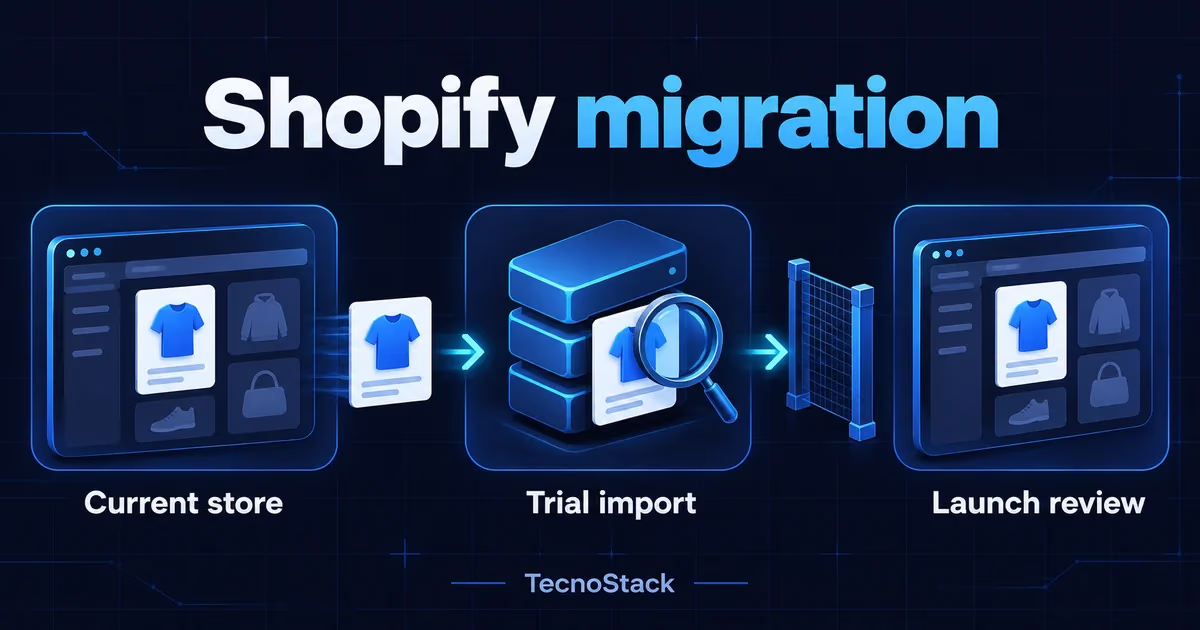
A Shopify migration checklist should start with the data you need, a trial import and an end-to-end order test before you switch the domain. Approve launch only after your team reconciles products and inventory, checks payment and delivery, and tests old URLs. For a move from Salla or Zid, require evidence of how each data type will transfer before accepting a proposal.
This guide helps Saudi merchants scope the work and assess a supplier. The blue shirt used in the examples is hypothetical. We checked the linked official documentation on 29 October 2026; platform capabilities described here reflect those sources as of October 2026. Confirm them against your account and chosen migration method before implementation.
Move when you can name a business requirement and demonstrate it in the proposed Shopify store. You might need a particular application, a different catalogue workflow or a bilingual storefront suited to your content. Turn the requirement into a test: your merchandiser can update the Arabic description without losing the product's size options.
Compare the cost of fixing the current store with migration and ongoing operation. Include your staff's time to review data, approve content and learn the new administration tasks. Our platform comparison before commissioning a move helps with that earlier decision. This checklist covers the work after you identify a reason to move; it does not assume Shopify suits every merchant.
Agree which changes can wait. Rebranding, new photography and a catalogue rewrite introduce extra review work during migration. Record the exceptions you must address before launch and put other improvements into a separate phase. Give the supplier a named merchant-side owner who can resolve scope questions.
Create a register that names each data source, transfer method and acceptance owner. Product count alone is insufficient. A product with many variants and different images needs a different review from a simple item. Record products and variants separately, together with languages, inventory locations and the custom fields your staff use.
| Item | What you supply | Acceptance evidence |
|---|---|---|
| Products and variants | Sample export, images and SKU values | Correct option, image and price |
| Customers | Required fields and marketing consent status | Checked profile and sign-in experience |
| Historical orders | Required date range and business purpose | Correct customer and product relationships |
| Pages and languages | Approved copy and page inventory | Arabic and English review |
| Old URLs | Existing addresses and intended destinations | Tested redirects |
| Apps and connections | Provider, task and account owner | Agreed operational scenario |
Keep an exception log beside the register. Record missing images, unknown consent status and orders with an obsolete product reference. Assign each case to someone who can authorise a correction or exclusion. Do not let blank fields turn into assumptions made during import.
Retain a dated copy of the original exports before cleaning them. Use a sample without personal data for the initial assessment where possible, then share the required implementation data through your company's approved channel. Reviewers should be able to distinguish the original file, the working file and the reason for each change.
Choose a transfer method for each data type. As of October 2026, Shopify's store migration documentation lists product and customer CSV imports, with apps or APIs for other records such as historical orders. It recommends importing products, then customers, then orders so their relationships can be established. A source-platform export does not prove compatibility with Shopify's required format.
Ask the supplier to inspect your sample and write a field map: source column, Shopify destination and transformation rule. For a blue shirt in size Large, the reviewer must know whether the export represents colour and size as separate options and which SKU identifies the variant. An import tool's limitations should become documented exceptions for your approval.
As of October 2026, Shopify's customer CSV guidance says customer passwords and order information cannot transfer through that file. Agree the customer's sign-in experience and support messages, and a separate method for order history where needed. Preserve recorded marketing choices during the transfer rather than enrolling the whole list in campaigns.
Ask what happens if an import stops halfway. The supplier should explain how they identify duplicates, what a repeat run overwrites and which backup supports recovery. You may choose to retain some historical records outside the storefront; document who can access them and how customer support will find the information it needs.
Approve a representative sample before repeating the method across the catalogue. Include a simple item, a product with colour and size options, an out-of-stock item and a long bilingual description where those cases exist. This is a suggested selection method, not a platform-mandated sample size.
Take the hypothetical blue shirt in size Large. Compare its SKU in the source and destination, select the variant on a phone, and check its image, quantity and cart price. A product appearing in the admin does not complete the test. Ask the reviewer to follow the customer's steps and record any difference.
As of October 2026, Shopify's product import instructions require the expected CSV format and explain how overwriting products with matching handles affects existing values. Ask which fields a rerun replaces. Keep the import result and error list so your team can repeat the affected checks after a correction.
Reconcile product and variant counts, then inspect the sample records. Matching totals do not establish that each field is correct. Record authorised exclusions instead of concealing discrepancies. In Arabic, check joined letters, direction around Latin sizes and identifiers, and the actual image addresses the new store needs to retrieve.
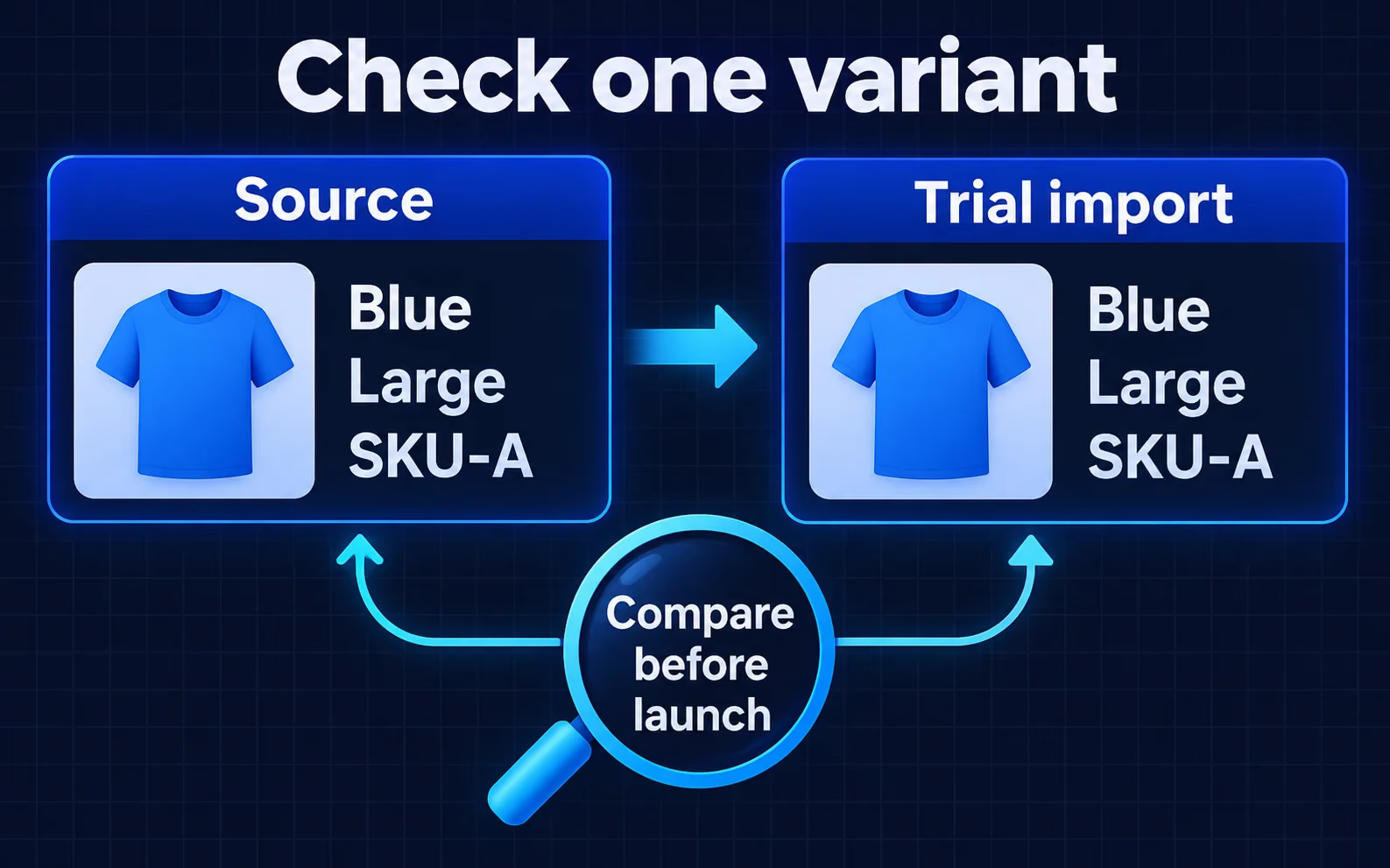
Hypothetical example: compare colour, size and SKU between the source and trial import before launch. Matching illustrations do not establish a real store migration result.
Map important old pages to their intended destinations before changing the domain. Include product and collection pages, campaign links and useful articles. Preserve language context. Assign someone to choose a suitable replacement when you discontinue a product or merge collections, so the implementer does not guess.
As of October 2026, Shopify's redirect documentation says redirects work from broken URLs and do not override an existing valid page. It also lists reserved paths and other limitations. Test the actual addresses from your store, including Arabic characters and query parameters, instead of assuming one rule covers them all.
Google's site-move guidance, reviewed as of October 2026, warns that rankings can fluctuate while Google recrawls and reindexes a site. Redirects and monitoring help address migration errors; they do not justify a guarantee that positions will remain unchanged. Save a baseline of pages and traffic for comparison after launch.
Our SEO review for a changing site structure covers the wider audit. For the store migration, make the redirect file a distinct deliverable with a tested destination for each priority URL and an owner for every exception. Start the test from a saved old address, not only from the new navigation.
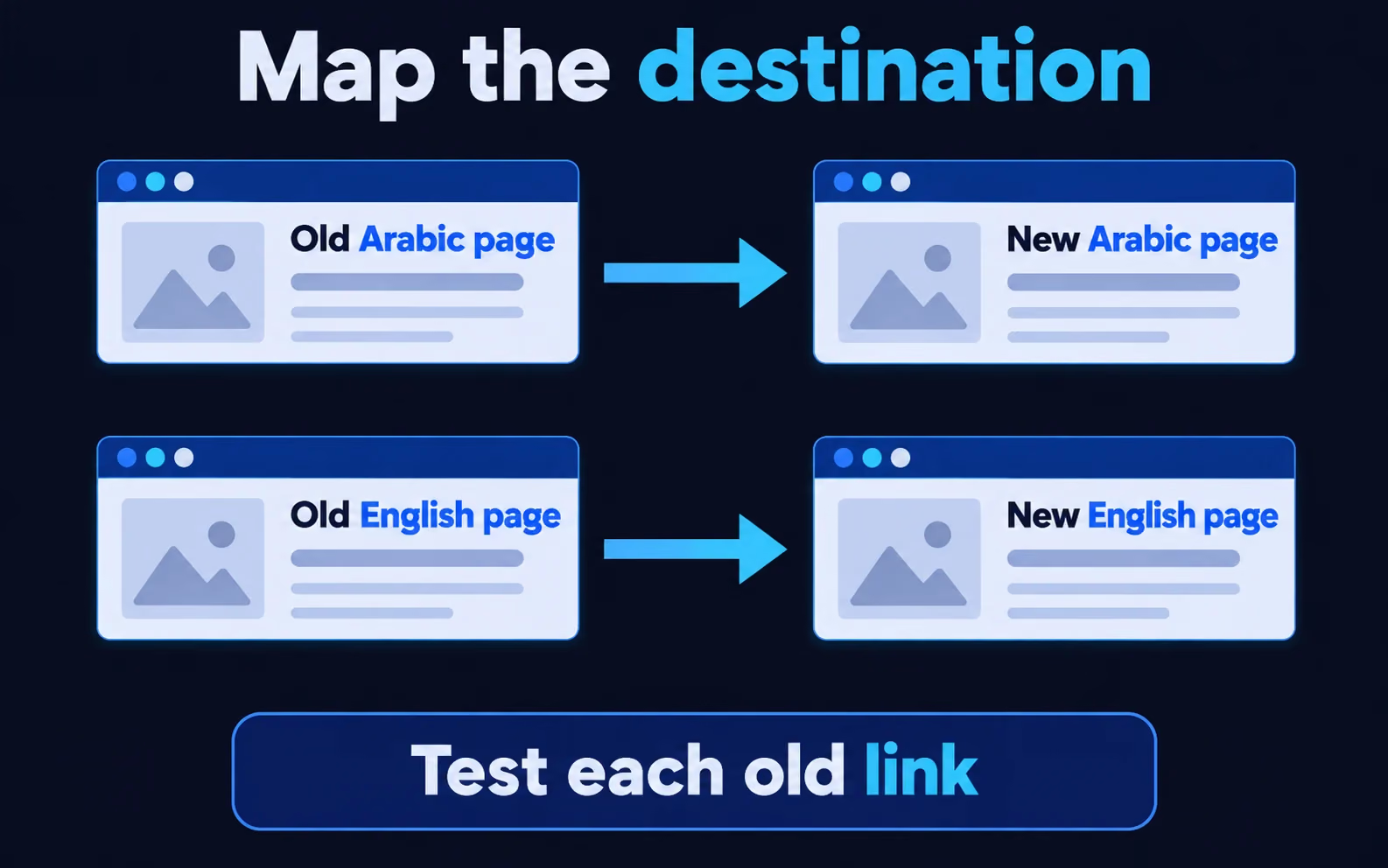
Map each old page to its relevant destination in the same language, then test the link. The diagram explains the relationship and does not guarantee search rankings.
Follow an order through checkout and fulfilment in both languages, using the products and delivery rules you intend to offer. As of October 2026, Shopify's test-order guidance covers checkout, order processing, stock, shipping, notifications and tax settings. It also warns that customers cannot place live orders while payment providers are in test mode.
Agree what simulation proves and what requires a separate check after provider activation. If a real transaction and refund are necessary, obtain the account owner's approval and check fees first. A successful test gateway does not establish merchant-account approval or support for every payment method you plan to show.
- Use an address inside the delivery area and one outside it; check the expected message and charge.
- Review the product, selected options and confirmation email in Arabic and English on a phone.
- Check the order's arrival in the shipping tool and the intended inventory update.
- Test cancellation or refund within the team's permissions and assign ownership of pending cases.
Use our Saudi payment-provider acceptance questions and carrier handover and returns checks to prepare the details. Have the operations owner sign off against the evidence, stating any feature the test did not cover.
Ask for separate lines covering storefront setup, data clean-up, historical records and app connections. Confirm product and variant quantities, languages, writing responsibilities, testing and support after cutover. Platform subscriptions, apps and provider charges need separate confirmation. A published new-store starting price is not a complete migration quote.
Discuss your Shopify migration checklist against a written scope with acceptance criteria. TecnoStack reviews the catalogue, theme and apps, then agrees the work, price and schedule after reviewing your setup. This article sets no universal migration fee or duration, and does not add historical-order migration or custom app development to a published plan.
Before cutover, name the people who freeze catalogue edits, collect the final order and inventory changes, and control the domain. Keep a change log between the trial import and final transfer. Agree who postpones launch if payment fails or inventory differs materially, and how customer support will operate during the change.
Returning to the previous store also needs an order-handling plan. Decide where staff will manage orders received after cutover and how they will avoid fulfilling one twice. Retain access to source records until you accept delivery and arrange the retention your business requires.
Approve launch when each condition has evidence. Postpone if an unresolved defect prevents purchasing or tracking an order. Keep cosmetic corrections in a separate list with owners and dates, so the team can distinguish them from the conditions for opening the store.
- The catalogue owner accepts the sample and reconciles the final import differences.
- Operations checks payment, delivery and notifications in both languages.
- The technical owner tests priority old URLs and records exceptions.
- The merchant names the launch decision owner and agrees how to monitor new orders.
- Staff receive account access, handover files and a list of remaining work.
Prepare your store URL, a catalogue sample, installed apps and unresolved questions, then discuss your store transition with us. We will use them to identify what needs a trial before proposing the implementation scope.