
The payment gateways Saudi Arabia store owners shortlist should fit their merchant eligibility, checkout integration and required payment methods. Compare the full written fee schedule alongside those requirements. Start with the checkout your store can support, then test payment confirmation, refunds and reconciliation before signing off the integration. A provider logo on a sales page does not answer those operational questions.
Bring the same order example to each shortlisted provider: the customer pays, your team fulfils the order, and someone may later request a refund. Ask the provider and your developer to show who owns each step. This guide gives you a comparison worksheet without treating an advertised rate as a quote for your business.
Write down your store platform, business activity, selling currencies and the legal entity applying for the account. List the payment methods you want to offer, such as mada and Apple Pay, and ask each provider to confirm availability for that entity and integration. Keep the reply with the proposal so your team can distinguish confirmed features from items still awaiting approval.
Separate a single merchant store from a marketplace that collects payments involving several sellers. Describe who sells to the customer, who issues refunds and who receives funds. Ask the provider to review that arrangement before a developer estimates automated payouts. Do not assume an ordinary checkout integration includes a marketplace settlement workflow.
If you have not chosen the store platform, read our Saudi store platform decision table. Settle that choice early enough to request the exact connector, plan and checkout route. Changing the platform after approving a payment quote leaves the original integration assumptions open for review.
Use their documentation to frame a shortlist, then request a demonstration for your own store. The following table records selected documentation available as of October 2026. It is a starting point for technical discovery, with no ranking, price comparison or promise that a provider will approve your account.
| Provider | Documented starting point | Question to resolve in your proposal |
|---|---|---|
| Moyasar | Web integration, mobile SDKs and e-commerce plugins | Which supported plugin or SDK matches our current checkout? |
| Tap Payments | Payment-event webhooks and validation of webhook data | Who implements and monitors confirmed order updates? |
| HyperPay | COPYandPAY widget, server-to-server integration and mobile SDKs | Which route does the proposed scope include, and who maintains it? |
Moyasar's integration overview describes these web, mobile and e-commerce routes. Tap's webhook documentation explains server-to-server payment notifications and validation using a hashstring. HyperPay's integration guide distinguishes its browser widget from a server-to-server route and mobile SDKs. These are different documentation entry points, not an exhaustive feature comparison.
Ask each candidate to answer the same worksheet. A provider may offer more than the features shown here; confirm the exact product you would buy. Require a named integration, documentation link and support owner in the proposal rather than a broad claim that the provider works with online stores.
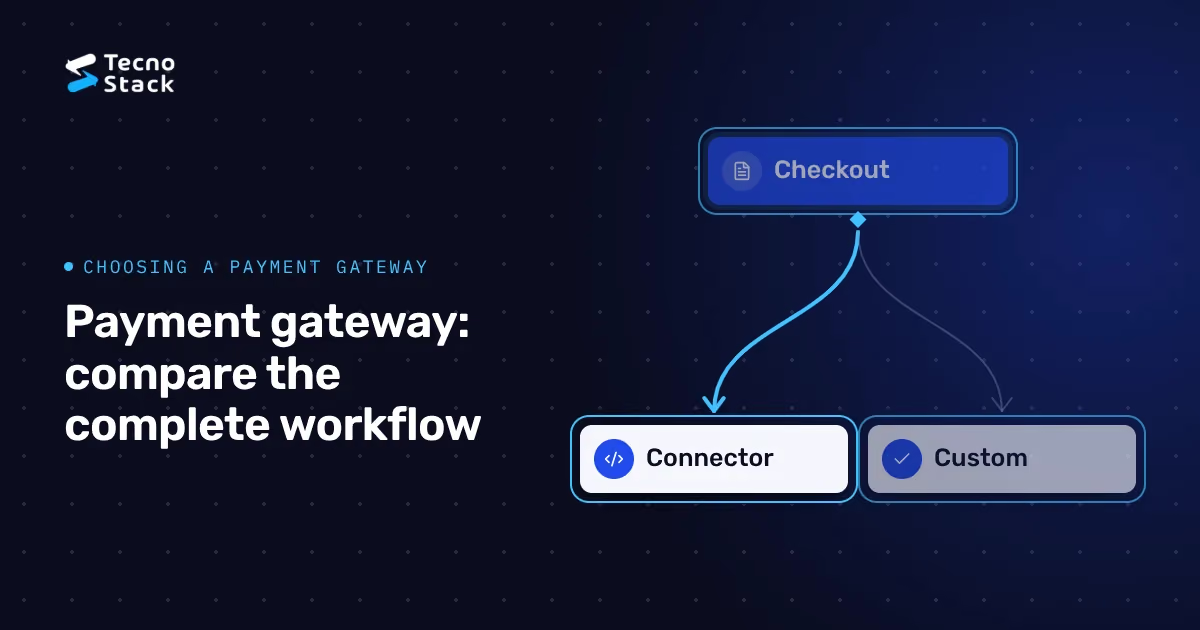
Start by asking your platform and provider for the maintained integration they support. Request the connector name, supported checkout version, update process and responsibility for defects. Have the developer demonstrate your actual basket and payment flow in a test environment, including the return from the payment page.
For a custom build, ask why the proposed integration needs custom work. Specify which team owns the customer form, payment requests, order status updates and finance export. Ask the provider to explain the security responsibilities of that route and identify the specialist review your business needs before launch. A design preference alone is not enough information to approve the scope.
Treat mobile and browser checkout as separate test surfaces. List the browsers and devices your team will accept, including a customer returning from a wallet or bank authentication screen. Ask how the integration handles a closed tab or interrupted connection. Keep payment confirmation in the acceptance criteria regardless of which interface the customer sees.
Our WordPress commerce ownership comparison helps assign maintenance responsibilities if a WooCommerce store is on your shortlist. For an existing Salla store, use the catalogue-to-launch setup sequence alongside the provider brief, so the payment work fits the wider launch plan.
Request a dated written schedule for your business, methods and expected usage. Give each provider the same planning assumptions and mark them as estimates. Ask which charges apply to successful payments, refunds, disputed payments, transfers, currency conversion and account subscriptions. Leave a field blank until the provider confirms it; a blank is a question to resolve, not a zero.
| Quote line | Information to request | Record beside it |
|---|---|---|
| Transaction charge | Percentage, fixed amount and calculation basis by method | Currency, effective date and applicable conditions |
| Recurring charges | Subscription, connector or account charges | Billing period and cancellation terms |
| Refunds and disputes | Charges and treatment of original processing fees | Full and partial refund rules |
| Settlement | Timing, minimums, deductions and any reserve conditions | Written agreement and account owner |
| Integration | Setup, testing, handover and ongoing support | Supplier, exclusions and change process |
For a planning worksheet, calculate each payment-method line from its proposed sales value and transaction count using the quoted percentage and fixed charge. Add confirmed recurring and event-based costs. Ask finance to check the provider's calculation basis, caps and tax treatment before using that worksheet as a budget.
Keep engineering work in a separate line from provider bills. Our store build and operating budget breakdown covers the broader purchasing decision. Here, the useful comparison is between complete offers for the same payment workflow, with each unknown visible to the person approving the spend.
Ask the developer to show how the store verifies a payment before marking an order paid. Include the expected order reference, amount and currency in the review. Request evidence for interrupted customer journeys, repeated notifications and delayed updates. These are acceptance requirements for your project; the selected provider's current documentation should determine the implementation.
As of October 2026, Moyasar's WooCommerce configuration guide explains that webhooks update payment status even when a customer closes the browser early. Use that documented scenario in your test brief: close the browser during the return journey, then check the payment dashboard, store order and staff view.
Have the developer replay a permitted test notification and prove that the store does not create a second fulfilment action. Ask what happens when the store cannot process an event and how staff find unresolved orders. Agree the person who investigates exceptions and the information they need, with sensitive data kept out of routine support messages.
Write down the customer-facing message for a payment awaiting confirmation. Give support staff a way to locate the order without telling the customer to keep paying until the screen changes. Approve the message in Arabic and English and include the recovery action in the handover notes.
Give a staff member a test order and ask them to process the refund using the intended permissions. Specify whether your business needs full refunds, partial refunds or both, and ask the provider to confirm the supported process. Check the customer message, store status and finance record together before accepting the workflow.
Describe a refund request after dispatch and another before fulfilment. Your business decides its policy; the developer implements the approved steps. Name the person who authorises the refund and the person who confirms completion. Ask support to distinguish a refund request from the provider's confirmed result in the wording they send customers.
For reconciliation, ask finance to match an order reference to its payment, deductions and settlement entry using the reports you will receive. Request a sample export from the provider's test or demonstration materials. Check the fields your accounting process requires rather than accepting a dashboard screenshot as evidence of a usable monthly reconciliation process.
If you plan to change gateways, include unresolved refunds, older transactions and account access in the transition plan. Ask the outgoing and incoming providers what records and capabilities remain available. Do not promise a migration date until your team has a documented way to handle orders created before the switch.
Agree expected results before testing. Use the provider's authorised test process, record the environment and keep evidence with the release decision. Ask a store operator to run the scenarios as well as the developer; an operator should be able to explain the final order state without reading an application log.
- Complete an approved test payment and match its reference to the order.
- Decline or cancel a payment and check the basket and customer message.
- Interrupt the return journey and verify the final status through the agreed server flow.
- Repeat a supported test notification and check that fulfilment runs once.
- Process the required refund types and reconcile their records.
- Review Arabic and English checkout on the intended phones and browsers.
Include long customer names, enlarged text and right-to-left address fields in that language review. Confirm that amounts and currency labels remain readable and that the customer can reach the recovery action using a keyboard. Set a named owner for failed tests and retain the retest evidence before the launch decision.
Send your platform and checkout version, intended payment methods, provider shortlist and current account status. Attach a sample order workflow, refund rules and required finance export fields. Add the integration documents you already have, plus the questions providers have not answered. This lets us discuss online store payment integration against a concrete store scope.
Ask the proposal to name the connector or custom route, included test cases, responsibilities and exclusions. Record who owns the merchant account, credentials, renewals and support escalation. Request a handover that explains how your staff recognise an unresolved payment and who can investigate it.
Your takeaway is a comparable payment brief: confirm eligibility, select the supported integration, obtain written charges and test the order through refund and reconciliation. Keep unresolved items visible until the responsible provider or supplier answers them. To discuss that scope, send your checkout and payment brief.


