
Choose Google Workspace or Microsoft 365 for business email by testing the exact configuration your team will use. The decision should cover everyday mail, shared addresses, calendars, client software, administration and migration. A familiar logo or a lower advertised starting price cannot establish that the required work is supported.
Imagine a reception team that must reply from a shared address, coordinate appointments and remove a departing employee's access. Its acceptance record should show those tasks working under the proposed plan and permissions. This is an illustrative brief, not a comparison test that TecnoStack has run for a client.
Write down non-negotiable tasks before preferences. A required shared-calendar workflow can block a configuration. A preference for one toolbar usually calls for a training discussion. Keeping those categories separate prevents an attractive interface from hiding an unsupported business task.
Use this original comparison matrix to brief both candidates. Record the exact edition, client and permission arrangement beside every answer. A product-family feature page is a starting reference, not evidence that your proposed subscription includes the feature in your tenant.
| Requirement | Google Workspace review | Microsoft 365 review |
|---|---|---|
| Daily mail | Gmail workflow and the exact supported client | Exchange service and the exact Outlook or web client |
| Shared address | Shared inbox, delegation, group or alias fitted to the task | Shared mailbox, group or alias fitted to the task |
| Calendar work | Invitations, delegation, shared calendars and booking needs | Invitations, delegation, shared calendars and booking needs |
| Office documents | Required document tasks and compatibility with existing files | Required web or desktop apps and their plan entitlements |
| Administration | Account lifecycle, administrator access and recovery process | Account lifecycle, administrator access and recovery process |
| History and retention | Required data, storage allocation, retention and export path | Required data, mailbox/archive capacity, retention and export path |
| Migration and exit | Supported source-to-target methods and known exclusions | Supported source-to-target methods and known exclusions |
The matrix deliberately leaves the outcome open. A team already working mainly in Gmail and browser documents has a sensible starting point for a Workspace trial. A team depending on particular Outlook and desktop Office workflows has a sensible starting point for a Microsoft 365 trial. These are practical starting hypotheses, not proof that either candidate meets the full brief.
Separate the mail service from the applications people use to access it. Microsoft's plan-options reference distinguishes Business Basic's web applications from the desktop application entitlements in Standard and Premium. The name Microsoft 365 alone does not settle that distinction; Apps for business alone also does not include Exchange email.
Google's edition comparison lists different inclusions and pooled-storage allocations. Check the required edition and how storage is shared across the organisation. Do not treat an advertised organisation-wide pool as a separate mailbox allowance for every address.
Request a dated quote for the applicable region, currency and billing term. List staff licences, shared-address requirements, migration tools, administration, support and any archive or recovery provision. Record promotional expiry and renewal terms separately. Avoid comparing one provider's introductory rate with another provider's normal renewal cost.
Keep implementation effort visible too. A configuration that needs a supported add-on, client setup or manual recreation of settings can still be suitable, but the work belongs in the comparison. A low subscription figure does not remove those tasks from the migration plan.
Test the action, not just whether a feature is called a shared inbox. Who can read, reply, delete, manage access and see sent messages? What sender does the customer see? Can the arrangement support the intended users and clients without sharing a personal account password?
Google documents a shared-inbox administrator feature for Business Starter, Standard and Plus. Delegates can read, send and delete messages, and view or add contacts. The guide also allows users with shared-inbox access to manage delegates and options, so check those permissions against the team's access policy. Verify the arrangement in the proposed tenant; the page does not establish a universal free shared-inbox licence.
Microsoft's shared-mailbox guidance separates the mailbox's licensing conditions from each delegate's licensed Exchange Online access. Larger storage and certain archive, hold or advanced-feature requirements can need additional licensing. Access is through delegates' own accounts; direct sign-in to the shared mailbox account should remain blocked.
An alias that delivers to one person's mailbox may suit a simple alternate address. It does not, by itself, prove that a team has a shared queue, assignment workflow or appropriate access separation. If the job needs help-desk ownership and service tracking, compare the actual support-system workflow as a separate requirement.
Record the operating system, client version, extensions and tasks that matter. “We use Outlook” is not precise enough to choose a supported integration. Browser, desktop and mobile versions can have different capabilities, even when they share a product name.
Google's GWSMO system requirements describe a particular Windows/Outlook integration path for mail, calendars and contacts, with explicit unsupported configurations. Its feature guide also identifies limitations, including shared mailbox folders and public folders. These are limits of that integration, not proof that every Gmail client connection behaves identically.
Run the required workflow in the actual proposed client. Include a reply from the shared address, a calendar invitation and any essential extension. If the workflow changes, name the replacement task and training needed. Do not describe a workaround as equivalent before the responsible user has tried it.
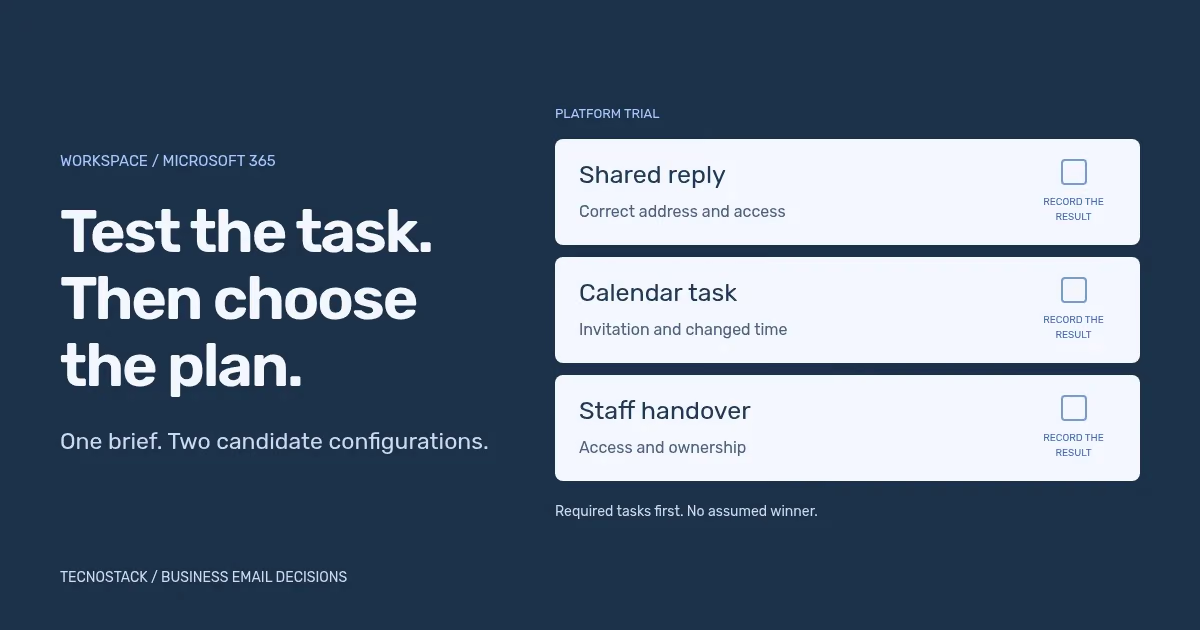
Use a controlled test arrangement and representative data. The original trial below is designed to expose decisions that a list of feature ticks can hide. Record pass, fail or unresolved, with evidence and a named reviewer. Do not enter a score for a task that has not been performed.
| Trial task | Observable result | Decision it informs |
|---|---|---|
| Receive and reply | The intended user receives and replies with the correct address | Everyday mail and client suitability |
| Work from a shared address | A second authorised person finds the conversation and replies correctly | Shared access and visible sender |
| Arrange a meeting | Required attendees receive an invitation and a changed time | Calendar behaviour in the selected clients |
| Find previous work | Required messages, attachments and contacts are accessible | Migration method and data coverage |
| Change a team member | Access changes follow the intended handover without disrupting the address | Account lifecycle and shared-work ownership |
| Recover access | The named administrator follows the agreed recovery route in the test setup | Administrative ownership and instructions |
| Prepare an exit | An authorised sample export is readable and its limitations documented | Data portability and future migration work |
For the reception example, mark shared reply and appointment handling as required. Record preferred interface choices separately. If one candidate fails a required task, first identify whether the cause is its plan, client, permissions or an unsupported workflow. Change the proposed configuration and repeat the affected task before choosing a winner.
A successful sample export is also a bounded result. It does not prove that every permission, rule or collaboration object can be recreated elsewhere. Keep known exclusions beside the evidence so a later exit is not presented as automatic.
Include the move in the comparison, especially when calendars, contacts, rules and shared access matter. The supported method depends on both source and destination. Our business email migration checklist separates the inventory, representative pilot, exception review and final acceptance record.
Keep staff mail separate from marketing-platform requirements. Campaign triggers, subscriptions and audience handling need their own scope; moving employee inboxes does not automatically migrate those workflows. The email marketing service describes that separate work.
Bring the completed requirements matrix, unresolved trial results and current account inventory to the business email setup and migration service. The resulting proposal should name the chosen configuration, licences, migration coverage, training and operating handover. That is the decision a team can review and use.


