
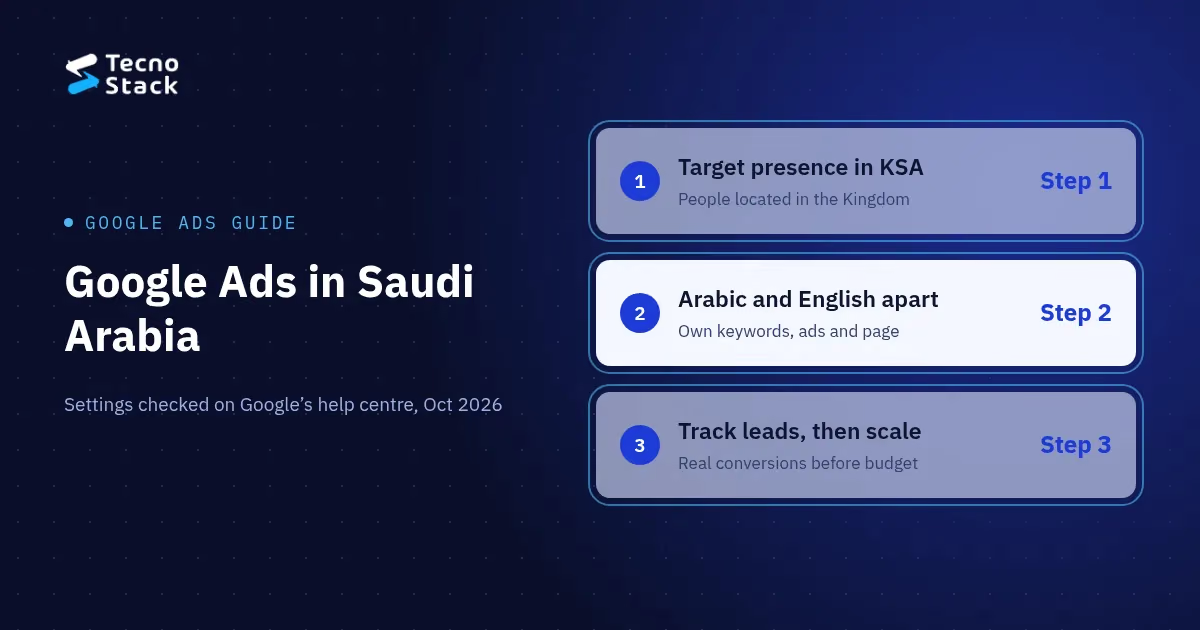
Google Ads in Saudi Arabia works when four decisions are right: you target people located in the Kingdom, keep Arabic and English keywords in separate ad groups with matching landing pages, start with phrase and exact match plus negative keywords, and raise the budget only after conversion tracking records real leads. Build that budget from your own Keyword Planner data.
Nobody can give you a trustworthy average cost per click for the Kingdom, so this guide shows you how to estimate your own. The settings, limits and labels below come from Google's help centre and are correct as of October 2026.
Three settings decide who sees your ads: the campaign type, the location option and, until it disappears, the language. Get these right before you write a single headline.
Start with a Search campaign
For a business that wants enquiries, start with a Search campaign on the Google Search Network. Leave Search Partners and the Display Network off until the core campaign has shown what it can do, so your first results come from people who typed a query. You also get a search terms report, which tells you what people in the Kingdom actually type.
Choose Presence, not Presence or interest
Google offers two options under advanced location settings. Presence or interest, the default and recommended option, reaches people who are likely to be in your target location or regularly there, plus people who have shown interest in it. Presence reaches only people who are likely to be located, or regularly located, there (Google: advanced location options).
If you serve customers inside Saudi Arabia, choose Presence, so your budget goes on people who can buy from you. If you also want visitors planning a trip or a move, the default may suit you. Target the whole country, or specific cities such as Riyadh, Jeddah or Dammam when your service area is limited.
Language: what changes from September 2026
Many guides still tell you to set the campaign language to Arabic and English. Google says that starting in September 2026 it is removing the campaign-level language setting from Search campaigns, and that for Performance Max the setting no longer applies to ads on the Search Network. On Search, Google works out language from the search term, the user's language settings and their preferences (Google: about language targeting).
So the match between the query, the ad and the page now does the work the setting used to do. Write Arabic ads for Arabic keywords and send them to your Arabic landing page; do the same in English.
Split the campaign into at least two ad groups, one for Arabic searches and one for English searches, each with its own keywords, ads and landing page. A searcher who types in Arabic should land on an Arabic page.
Arabic needs extra care because people type the same query in several spellings: with or without the hamza (إعلانات / اعلانات), with ة or ه at the end of a word, and with a transliterated brand name or the English one. Even Google's own name is written both جوجل and قوقل. List the variants your customers use, check each one in Keyword Planner, then watch your search terms report after launch. Our guide to Arabic spelling variants in search covers dialect, transliteration and spelling in more detail, and the same patterns apply to paid search.
A few rules keep the split clean:
- Keep Arabic and English keywords in separate ad groups.
- Put brand searches (your company name, in both scripts) in their own campaign with a small, capped budget, so they never share a budget with non-brand searches.
- Write ads around your offer as it appears on the landing page: real prices, real timelines, the languages you work in.
A new account should start with phrase and exact match and a negative keyword list in both languages. Google has three match types (Google: about keyword matching options):
| Match type | How you write it | Where your ad may show |
|---|---|---|
| Broad | keyword as typed | Searches related to your keyword |
| Phrase | "keyword in quotes" | Searches that include the meaning of your keyword |
| Exact | [keyword in brackets] | Searches with the same meaning or intent as your keyword |
Add broad match only once smart bidding has enough conversions to learn from and your negative list is tight.
Negative keywords stop your ads showing on searches you do not want. For a service business, a starting list usually covers job and training searches and free or do-it-yourself intent: free, jobs, salary, course, tutorial, template, مجاني, وظائف, رواتب, دورة, كورس, قالب. Review your search terms report every week and add new negatives as they appear.
A responsive search ad takes up to 15 headlines of 30 characters and 4 descriptions of 90 characters, plus two display path fields of 15 characters each (Google: about responsive search ads). Only double-width languages such as Chinese, Japanese and Korean count two per character, so an Arabic headline gets the same 30 characters as an English one.
Give Google varied headlines to test: the service and the city, your starting price if you publish one, the languages you work in, and the next step (a call or a brief). Pin a headline only when a message must always show, because pinning cuts the combinations Google can test. Add sitelinks to your key pages and callouts for your main facts.
Text ads are enough to start. If you later add YouTube or Performance Max, you will need a short video; our motion graphics cost guide walks through how one goes from script to final export.
Set the budget from your own numbers: the leads you need, your landing page's conversion rate and the cost per click Keyword Planner estimates for your keywords. A cross-industry "average cost per click in Saudi Arabia" says little about your keywords, so we do not quote one.
- Get bid estimates. In Keyword Planner, set the location to Saudi Arabia and check the "top of page bid" ranges for your keywords. Google describes the low end as about the 20th percentile and the high end as about the 80th percentile of what advertisers have historically paid, using the last 30 days of data (Google: about Keyword Planner forecasts). Some keywords show no range when there is too little history.
- Work backwards from leads. Clicks needed = leads you want ÷ your landing page conversion rate. Monthly test budget = clicks needed × a cost per click inside the estimated range.
- Convert to a daily budget. Google sets budgets as an average daily amount. To work from a monthly figure, divide it by 30.4 (Google: set an average daily budget).
- Expect daily variation. A campaign can spend up to twice its average daily budget on a given day, and over a month it spends no more than 30.4 times that average (Google: why daily costs might exceed your budget).
Treat the first weeks as a test. Your real cost per click and cost per lead come from your own account, not from an estimate.
Start simple, because smart bidding needs conversions to learn from:
- Brand campaign: Maximize clicks with a low budget cap is usually enough. Brand searches are few, and the people making them are already looking for you.
- Non-brand campaign: Maximize conversions sets bids to get the most conversions within your budget, needs conversion tracking and will try to spend your full average daily budget (Google: about Maximize conversions). Once conversions arrive steadily, you can add a target cost per acquisition near your recent actual. Since June 2026 Google labels that combination "Target CPA"; the bidding behaviour did not change.
Conversion tracking you can trust records the actions that mean a lead, sends them to Google Ads as primary conversions and is tested end to end before you spend more. Without it, you are buying clicks.
- Link Google Ads and Google Analytics, then import your web key events, such as a submitted enquiry form or a booked call. You need at least Marketer access in Analytics to import key events (Google: measure key events from Google Analytics).
- Check the optimisation setting. Conversion actions you create from the Google Analytics interface are set as secondary, so bidding ignores them. Set the ones that mean a real lead as primary.
- Keep clicks on contact buttons as secondary. A tap on a phone number or a WhatsApp button is worth watching, but it is not a lead yet.
- Test one real conversion from click to report before you raise the budget.
The landing page needs the same care. A form that collects contact details should link to a privacy policy and say how you use the data, and any follow-up messages need the visitor's agreement. Our checklist on marketing consent under the PDPL lists what to check on forms and cookie banners.
Check the settings, the tracking and the billing method. Your country and currency decide the payment settings available in Google Ads. As of October 2026, Google lists Saudi Arabia among the countries where prepay is not available, which leaves automatic payments, charged after your ads run, or monthly invoicing for businesses that qualify for a Google credit line (Google: know your billing options). Confirm the options in your own account before launch.
- Location set to Presence, if you only serve customers in Saudi Arabia.
- Separate Arabic, English and brand ad groups, each with its own landing page.
- Phrase and exact match keywords, and a negative list in both languages.
- Budgets set and capped, with brand and non-brand on separate budgets.
- Conversions imported, lead actions set as primary and one real conversion tested.
- A privacy policy linked from every landing page that collects details.
- A payment method that works for your account.
- A weekly search terms review in the calendar.
Our Google Ads management sits inside our digital marketing plans. Every plan is a flat monthly fee, and we take 0% of your ad spend. Ads essentials, from SAR 2,500 a month, manages one platform of your choice (Google, Snapchat, TikTok or Meta), with conversion tracking in GA4 and Google Tag Manager, weekly optimisation, a monthly report and a 30-minute review call. Ads growth, from SAR 4,500 a month, covers up to 2 platforms with 8 ad creatives a month, a monthly landing-page check and a 60-minute review call. Multi-platform ads, from SAR 7,500 a month, covers up to 3 platforms with 16 ad creatives a month, monthly A/B tests and a review every fortnight. If you need organic social posting rather than ads, our social media cost guide explains what a monthly social plan includes.
Prices are starting points in SAR, before VAT where it applies, and your proposal confirms the final scope. You pay ad spend separately. You keep ownership of the advertising accounts, and we write down our access. We do not guarantee sales or a return on ad spend; we set out our assumptions, the test plan and what the tracking can and cannot see. If you are also hiring for organic search, start with these questions for an SEO agency.
When you are ready, tell us about your offer and how your team handles an enquiry today. We will reply with a campaign plan and a starting price.


