
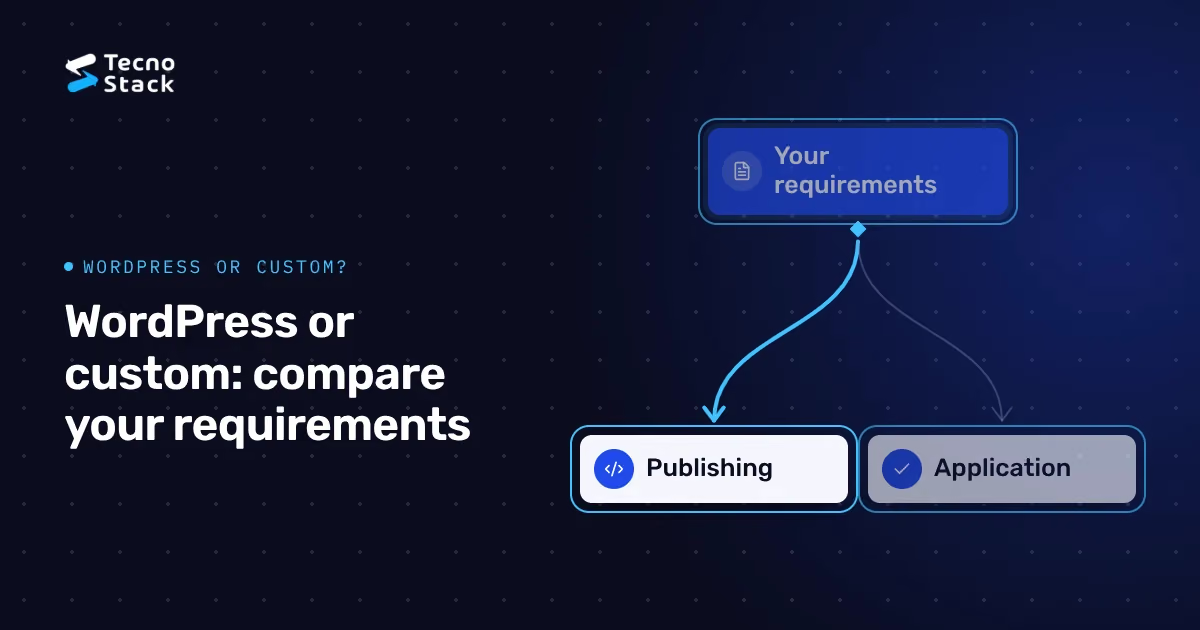
WordPress vs custom website is a choice about how your team publishes content and how much business logic you need. For a Saudi company with service pages and regular articles, start by evaluating WordPress; for a portal with unusual permissions or workflows, evaluate a custom build. Compare both using the same Arabic and English tasks, maintenance responsibilities and handover requirements.
A custom design can run on WordPress. A custom website can use an existing CMS. Ask the supplier to describe the editor, frontend and business systems separately before you approve a technology name. The following recommendations help you compare proposals; the examples describe hypothetical requirements, not client projects or measured outcomes.
You are comparing a publishing platform with an approach to building software. WordPress provides an existing foundation for managing content; a custom project lets a development team assemble the editor, website and application functions around your brief.
As of October 2026, the official WordPress feature overview documents drafts, scheduled publishing, revisions, themes and plugins. Those capabilities make it a reasonable starting point for a content-led site. They do not tell you whether a particular theme or plugin combination meets your requirements.
Separate the proposal into three decisions:
- Design: which layouts and components will the designer create for your brand?
- Editing: which fields can your team change, and who approves publication?
- Business functions: which records, permissions and integrations need application code?
A supplier who writes “custom” should specify which parts they will build, which products they will configure and which subscriptions you will own. A WordPress proposal needs the same detail. You can then compare the work rather than the labels.
Choose the option that handles your frequent tasks with the fewest unsupported workarounds. Give both suppliers the same task list and ask them to demonstrate it using representative content.
| Decision criterion | Evaluate WordPress first when | Evaluate a custom build first when |
|---|---|---|
| Publishing | Editors maintain services, articles and landing pages | Content appears inside a specialised product or workflow |
| Approvals | The proposed editorial setup covers your review steps | Approval depends on business-specific conditions and records |
| Integrations | A maintained connector or scoped API connection meets the need | Your team must coordinate transactions across several systems |
| Layout changes | Editors can reuse agreed patterns | Staff need a purpose-built interface for unusual content |
| Operations | A named team can maintain the proposed installation | A named engineering team can maintain the application |
| Handover | You receive accounts, configuration and custom theme code | You receive code, deployment instructions and system documentation |
For a hypothetical consultancy publishing Arabic and English service pages, ask an editor to update a service, preview a phone layout and send the revision for approval. For a hypothetical supplier portal, ask a customer to submit a request, then show how a staff member checks permission and changes its status. The second demonstration reveals requirements that a brochure-site preview cannot answer.
Test the Arabic version with real paragraphs, names and forms before accepting either platform. A language switch in the header gives you little evidence about what an editor or customer can finish.
Prepare one service page in both languages and one article with a table. Ask the supplier to show how the editor pairs translations, previews unpublished changes and changes an image without losing its description. Then shorten the English heading and lengthen the Arabic one. Check the menu, page title, button and table on a narrow phone viewport.
Include mixed-direction content: a Saudi phone number inside Arabic text, an email address, an English product name and a long URL. Ask how the implementation keeps these readable when a customer copies them or enlarges text. Keep the Arabic navigation and form messages in the acceptance checklist, with a named reviewer for each language.
Your CMS field-planning checklist can help you decide which information belongs in structured fields before either supplier starts building. Specify who supplies the translations and who approves corrections after launch. A developer should not have to guess whether an untranslated page can go live.
Judge SEO and speed on the delivered pages and acceptance tests. Ask each supplier for crawlable page content, language-specific metadata, predictable URLs and a measured mobile test using the content you intend to publish.
For this comparison, make a test pack containing your largest planned image, a long Arabic heading, an enquiry form and the scripts you intend to use. Ask the supplier to record the test device and conditions. Compare equivalent pages; a blank demo and a finished campaign page answer different questions.
Request a clear process for checking broken links, indexing controls and language alternates before release. If you are replacing an existing site, list the URLs that must survive and who will map redirects. Our guide to Arabic search language and spelling covers the content decisions that belong alongside those checks.
Avoid choosing a platform because a proposal promises first place in search or an unspecified “perfect performance” result. Ask what the team will measure, what they will fix before handover and who will monitor the live site. Keep those responsibilities in the scope.
WordPress can be part of an API-based architecture. As of October 2026, its official REST API handbook describes a JSON interface for accessing site data and extending the API. That confirms a connection mechanism, not that your CRM has a ready-made connector.
Write down the integration behaviour before choosing a plugin or commissioning code. For an enquiry, decide which fields enter the CRM, what happens when it is unavailable and how staff identify a duplicate. Specify which system owns the record and which person can correct it.
Ask the supplier to demonstrate a failed request and its recovery. A successful form submission is only one test. You also need a way for staff to find an enquiry that reached the website but did not reach the destination system. Agree what the visitor sees and what staff receive in that situation.
If several teams change the same customer record, compare a separate application with a CMS-led implementation. Request a diagram showing the data boundaries and the credentials each connection needs. Keep sensitive records outside a public publishing workflow unless your team has reviewed the proposed access controls.
Compare the same scope and ownership period, with separate lines for build work, hosting, licences, maintenance and improvements. Ask for the recurring charges and exclusions before comparing the totals.
TecnoStack's published catalog, as of October 2026, lists WordPress starting prices of SAR 4,000, SAR 7,000 and SAR 12,000, and custom website starting prices of SAR 4,000, SAR 8,000 and SAR 15,000. These are different scoped plans, not interchangeable quotes. They exclude VAT where applicable; the proposal confirms the final scope and price. For the plan details, read our website scope and SAR cost breakdown.
Use this purchasing checklist for each proposal:
- List the page layouts, language versions and content collections.
- Name paid themes, plugins, CMS subscriptions and external services.
- Record who pays each renewal and holds the account.
- Separate defect support from updates, content edits and new features.
- Ask how the supplier prices a change outside the agreed scope.
- Include migration, training and handover in the comparison.
Do not assume a lower build price produces a lower ongoing bill. Equally, do not assume a larger custom build will repay its cost. Ask the supplier to explain the extra work using requirements your team can identify.
Name the person or supplier responsible for updates, backups, recovery and access changes before the site launches. Put the response process and the covered work in the agreement.
As of October 2026, WordPress's update guidance recommends backing up before an update. Ask who performs that backup, who tests the change and who restores service if a business function fails. For a custom application, request an equivalent release and rollback procedure for its dependencies and database changes.
Keep routine publishing separate from administration. As of October 2026, the official WordPress roles documentation distinguishes editorial capabilities from administrative capabilities. Ask the supplier to configure access around actual jobs, then test using an editor account rather than an administrator account.
For either approach, request company-controlled accounts for the domain, hosting, source repository and relevant subscriptions. Agree how a departing employee loses access, where recovery details live and how another supplier can take over. Our hosting responsibility comparison for Saudi businesses helps you ask which operating tasks a hosting arrangement covers.
Request a small demonstration of your hardest requirement and a written acceptance checklist. A portfolio shows design work; your demonstration should show what your own team must do.
Choose a publishing task, an integration failure and an access-control scenario. Ask the supplier to show the steps and explain any remaining custom work. Record the parts that rely on a paid product and the parts that rely on code the supplier maintains.
At handover, repeat the demonstration with your staff using their own accounts. Ask an editor to correct both language versions, preview them and publish through the agreed review process. Ask the technical owner to locate a backup and the deployment instructions. These checks give you evidence of a usable handover without inventing a universal score for either platform.
Start with WordPress when your main job is publishing and its proposed setup covers your editing and integration requirements. Evaluate a custom build when your business workflow requires a dedicated application and you have agreed who will maintain it.
Take the same bilingual page, workflow and maintenance checklist to both suppliers. Compare what your team can finish, what the supplier must still build and what you will own afterwards. For a scoped discussion of WordPress vs custom website, bring those requirements rather than a preferred technology name.
Send us your publishing and integration brief with your page layouts, language needs and the task your team finds hardest today. We can then discuss the scope and confirm which approach to quote.


