
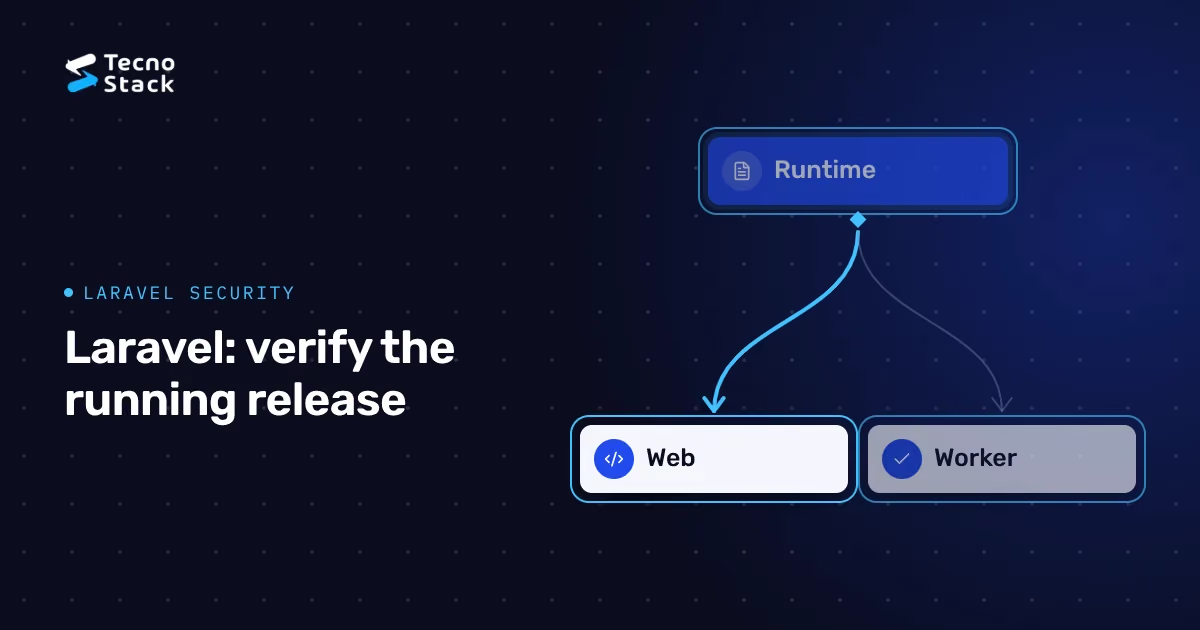
A Laravel PHP security update needs evidence from the web runtime, background workers and scheduled tasks, followed by tests of the application's access rules. Ask your operator to identify the running processes and the applicable PHP fix, then agree who will test each business workflow. Updating Composer dependencies alone does not complete that work.
This production checklist expands the release record: what changed, which processes now use it, which requests passed or failed, and what remains open. Use it with your application's installed-version documentation and a named release owner. The examples below are proposed acceptance tests, not findings from a customer system.
As of 23 October 2026, the original PHP advisory covers CVE-2026-109618 and CVE-2026-109619. Confirm the appropriate fixed package or runtime with your operator; our PHP incident response and version table keeps the release versions and older-version caveats together. A framework dependency change and a PHP runtime update need separate evidence.
PHP's 23 October follow-up identifies CVE-2026-115560 in an unusual session-handler configuration involving upload progress. Ask your maintainer to assess its applicability and current mitigation guidance separately. Do not assume that closing the original patch ticket settles the follow-up or that every Laravel application has the relevant configuration.
Keep urgent remediation distinct from a larger framework migration. Record the current framework, runtime source, deployment method and compatibility constraints. If an older application needs wider changes, assign that work explicitly; the staged modernisation planning guide can support the longer-term decision without delaying the immediate exposure assessment.
Read Laravel's live incident notice, updated 23 October at 08:31 UTC. It reports Cloud's running applications patched; Forge requires per-server action; Vapor requires a redeploy for native PHP 8.2+ runtimes and a new deployment for custom or Docker runtimes. Its older OS/runtime restrictions are product-specific. Recheck the notice before acting.
Start the ticket with the product and environment name. A colleague's Cloud confirmation cannot establish the status of your Forge server or custom image. Ask the owner to attach the completed action or provider confirmation for the application concerned, then identify who verifies the result. Retain the notice's access date because its instructions have changed during the incident.
For infrastructure outside those products, obtain guidance from the actual runtime or package supplier. Avoid translating one platform's dashboard steps into commands for another. Our hosting operations responsibility guide helps you separate server operation from application maintenance when different suppliers share the job.
Write one row for each distinct execution path. A shell version check describes that invocation; ask the operator how it relates to the processes serving requests and running jobs. Include additional servers, worker groups and production environments before declaring the inventory complete.
| Execution path | Evidence to request | Proposed acceptance check |
|---|---|---|
| Web requests | Runtime or image used by the active web service | An authenticated business request completes |
| Queue workers | Worker group, runtime and replacement/restart record | A permitted job reaches its intended result |
| Scheduler | Invocation owner, runtime and agreed schedule | A selected task completes at the expected time |
| Long-running application service | Service identity and deployment method | New requests use the intended release |
Record the application release identifier beside the runtime evidence. If containers are involved, ask which image reference actually reached each environment and whether older instances still receive traffic. The completion record should distinguish an image built in a registry from one deployed to a running workload.
Name the people who can make each change. An application developer may be able to deploy code but lack access to the host's runtime. A hosting operator may complete the package work without knowing the expected result of an internal reporting job. Agree the handover between them before the maintenance window.
Composer's basic usage documentation describes dependency installation and the lockfile. Keep that dependency record alongside the PHP package or image record. Ask the team to state which layer changed and why, so a successful dependency installation cannot be mistaken for runtime remediation.
Prepare a protected staging test with the proposed runtime and the intended application release. Write down the important extensions and integrations the maintainer needs to check. Use test accounts and agreed external destinations; confirm that the test environment cannot accidentally send live customer messages or create production transactions.
Decide whether a dependency change is necessary for compatibility. Keep unrelated feature work out of the incident ticket unless the release owner accepts its additional testing and recovery requirements. Record any exception, including the test you could not complete and the person responsible for resolving it.
For the longer-term stack decision, use the existing Laravel and Node.js architecture comparison. This checklist concerns an application you operate today, so its acceptance criteria should describe that application's behaviour rather than reopen the framework selection debate.
Laravel's queue documentation explains that workers retain application state and need restart handling during deployment. Match the procedure to your installed version and process manager. Record how the replacement process starts, and check that the job runner returns after the change.
Choose one harmless, authorised example such as a report export using test data. Follow the request through acceptance, queue processing, file creation and authorised download. Record identifiers that let the team connect those events without attaching confidential records to a shared ticket. A success message at submission does not show that the job finished.
Agree how to handle a job that fails halfway through. Before retrying it, establish whether it already produced a file, sent a message or changed a business record. Let the application owner decide the safe retry path and expected outcome. Keep the resulting observation in the release record, including a failure that remains unresolved.
Use the scheduler documentation for your version to inspect scheduled work. Agree the intended timezone, execution environment and next run for a representative task. Test that task's actual result; reviewing a schedule definition alone leaves its execution unverified.
Laravel's deployment guide directs web traffic to the public entry point, requires production debug mode to be disabled and addresses long-running services. Review the effective production settings with the maintainer. Use documentation for the installed version before applying a command or copying server configuration.
Ask the team to check public exposure of environment files, repository metadata, logs and backup archives within the agreed scope. Keep diagnostic information in restricted records. For a proposed staging test, trigger an expected upload failure and inspect both the visitor's message and the operator's log, excluding secrets and unnecessary customer data from the evidence.
Treat encryption-key rotation as planned work. Laravel's encryption documentation describes effects on sessions and previously encrypted data. Review what relies on the key and how recovery will work before changing it. Do not include key values in the ticket or initial enquiry.
If the same business also runs a WordPress site, use its separate WordPress hosting and update checklist. Keep each application's runtime confirmation and test record identifiable, even when both share a hosting supplier.
Use test accounts with agreed roles and records. Laravel provides authorisation mechanisms in its authorisation documentation; your team must define and test the business rules. Include the server request as well as the interface, because a hidden control does not prove that the operation rejects an unauthorised caller.
The following matrix is a proposed starting point. Adapt it to the application's policy and record actual results after the update.
| Request using test data | Expected result to agree | Evidence to retain |
|---|---|---|
| Customer reads their own record | Allowed | Correct record and account |
| Customer requests another customer's record | Rejected without disclosing it | Response and absence of protected data |
| Ordinary user calls an admin operation | Rejected without the change | Response and unchanged business state |
| Logged-out caller changes account details | Rejected | Response and unchanged account |
| Background task exports restricted data | Limited to its authorised scope | Export contents and permitted download |
For an application serving multiple organisations, add a cross-organisation case using dedicated test tenants. Include relevant API routes and file downloads. Check the result in the stored business state as well as the displayed response, and identify the reviewer who accepted it. Mark untested cases clearly rather than inferring a pass from neighbouring tests.
Agree a backup and recovery path before changing production. Identify who can restore the relevant data and configuration, where the recovery evidence is kept, and how the team will protect records created after the change. If a database migration is necessary, include its recovery decision in the release plan.
Set clear stop conditions: an unverified web runtime, a worker that does not return, an unexpected permission result or a critical workflow failure. Ask the release owner to decide the next action and customer communication. Recovery may require more than restoring application files; document the specific dependencies your team must coordinate.
Close with one record containing the runtime fix, follow-up assessment, application release, worker and scheduler checks, permission results and remaining exceptions. Name the person who reviews errors after release and the agreed review time. Patching and functional tests do not establish that an earlier compromise never occurred; suspected compromise needs its own assessment, consistent with NCSC's incident guidance.
TecnoStack can assess the installation, agree a compatible PHP remediation or upgrade plan, verify the active runtime and test the application's important functions. Discuss your Laravel PHP security update alongside the managed infrastructure scope. Server hardening, backups, monitoring and management remain subject to the selected plan and agreed allowance; framework code changes, upgrades and additional investigation need separate scope where required.
Send the website address, hosting product, framework version, PHP version if known, worker/scheduler setup and critical business workflows. Identify suspected compromise and any maintenance constraints. Keep passwords, application keys and customer records out of the initial message; arrange access through the agreed secure handover process.
Request a PHP security assessment. We confirm scope, timing and price after review, including any separate investigation, malicious-code cleanup, major application changes or continuing maintenance. The handover records the work completed, the tests performed and the person responsible for each remaining item.


